



POD Clothing Production and Fulfillment Explained


POD clothing production and fulfillment connect the customer's purchase with a configured garment, production, dispatch and delivery. At Tapstitch, we handle customization and fulfillment through the supported order route while your store owns the customer relationship. Choose us when the product setup, payment process, shipment and problem-handling arrangements fit your business. A supplier's ability to print a shirt is one part of that decision, rather than the entire order process.
Choose a POD Company with a Clear Order-to-Delivery Process
Evaluate the journey of an actual order before choosing the service. The customer selects a variant and pays the store. The fulfillment system needs the corresponding garment, artwork and address, and the order must proceed through the applicable payment and production steps.
Ask whether your chosen setup preserves that relationship. A product title can appear correct while its size or color mapping points to another item. An order can arrive in the supplier system while still needing payment or attention. These conditions require different next actions.
Tapstitch's product publishing guide explains the relationship between store variants and saved products. Use it with the connection instructions for your platform, then check the handoff for the products you will sell.
A useful supplier choice includes the owner of each exception. Your team should know who checks missing orders, follows production progress, investigates tracking and answers buyers. Choose the service when that workflow is manageable, and close critical gaps before sales.
Confirm the Order before Production Starts
Review the order while you can still address its configuration through the applicable process. The store offer, supplier product and customer destination should agree. A clear order record helps you investigate a mismatch without guessing which saved design was intended.
Keep the store reference and supplier reference together. Add the selected garment, variant and relevant design version. If the product page later changes, preserve the configuration relevant to the earlier purchase rather than using the updated listing as its reference.
Product Variants, Artwork, Payment, and Delivery Details
Check the garment and variant first. Compare the ordered style, color and size with the customer's selection. Then verify that the saved artwork is the version attached to that configuration. A familiar mockup does not establish that the order uses the same file.
Inspect the delivery information for the actual purchase. The selected fulfillment route must support the intended destination, and the address needs to be usable for that route. Resolve missing information through the order process rather than assuming an incomplete record will correct itself.
Distinguish the customer's payment to the store from payment of the supplier order. Our Auto Payments guide explains how automatic payment works with order submission. Choose the intended settings and monitor failures instead of treating the store checkout as proof that production payment has succeeded.
A synchronization check can help establish the order handoff before launch. Our test instructions provide an unpaid route that does not enter production or shipping. Use it for the connection question; a physical garment assessment requires a separate paid purchase.
Changes and Cancellations after Order Submission
Use the actual order state to decide what can be changed. A saved store product, an order awaiting processing, and an item already in production are different records. Editing one should not be assumed to update all the others.
Our order product editing instructions describe the supported order-editing workflow. Follow the route for the affected order rather than changing the store listing and assuming the existing purchase will receive the new design.
Variant editing is available for Draft and On Hold orders before payment and submission. Its changes concern the current order; they do not rewrite the original saved design or automatically update the connected store order. Keep the store record aligned with any accepted order adjustment. The cancellation policy separately limits cancellation with a full refund to orders remaining In Review. Do not confuse that cancellation condition with the statuses used for editing.
When a buyer requests a change, collect the order reference and the exact requested adjustment. Inspect the order state before confirming the outcome. Avoid promising a cancellation or replacement until the applicable process establishes what can be done.
If the item has progressed beyond the available change route, explain the situation clearly to the customer and follow the relevant policy. Creating another order without resolving the first can duplicate the purchase and complicate the customer's request.
Understand Production and Branding Steps
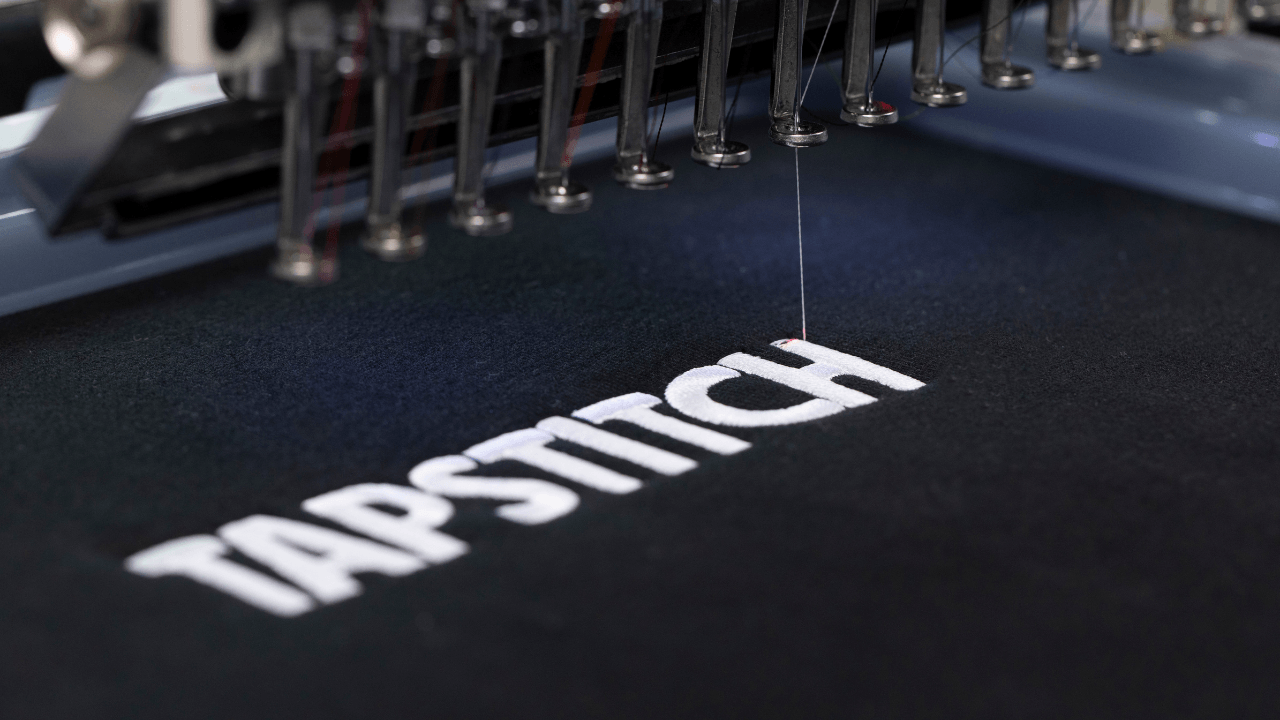
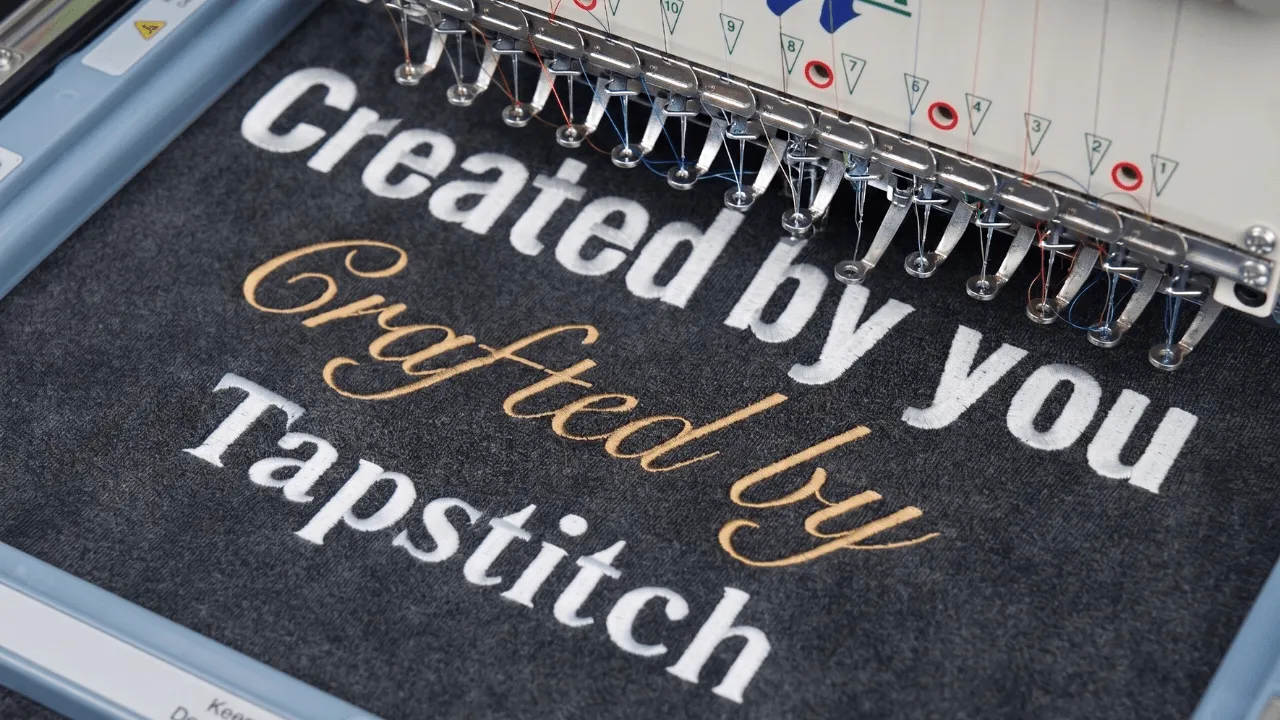
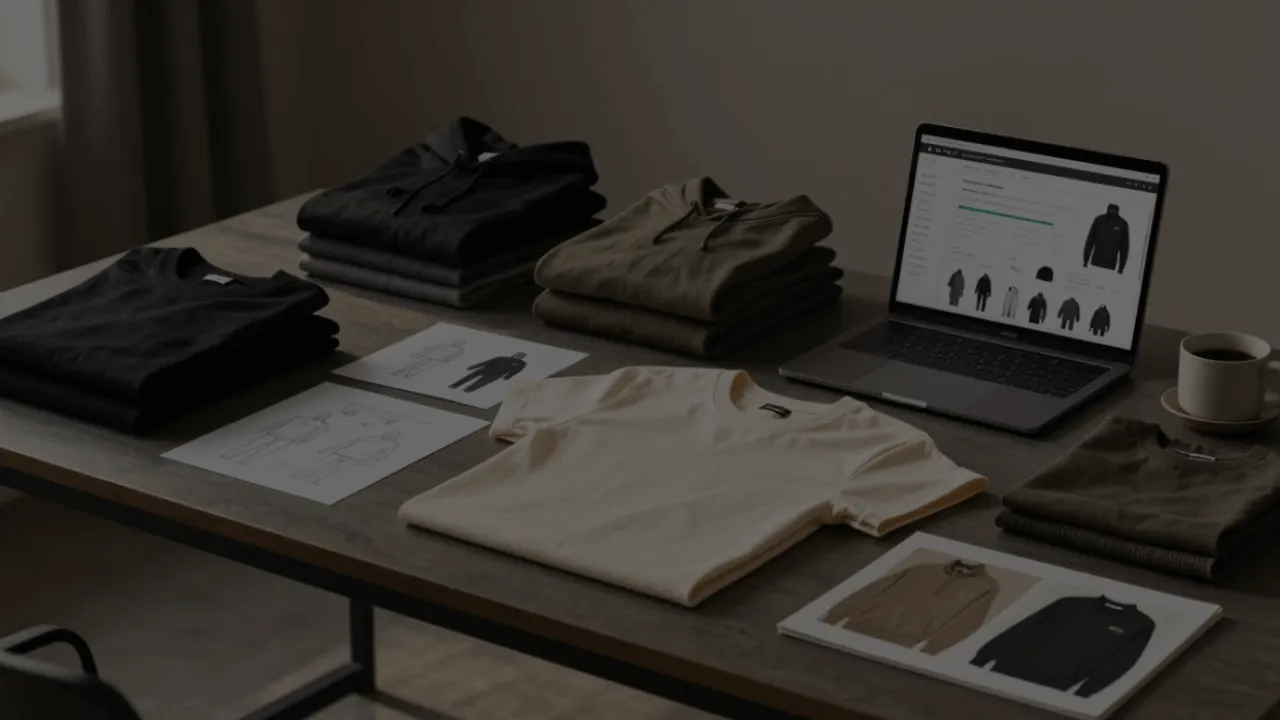
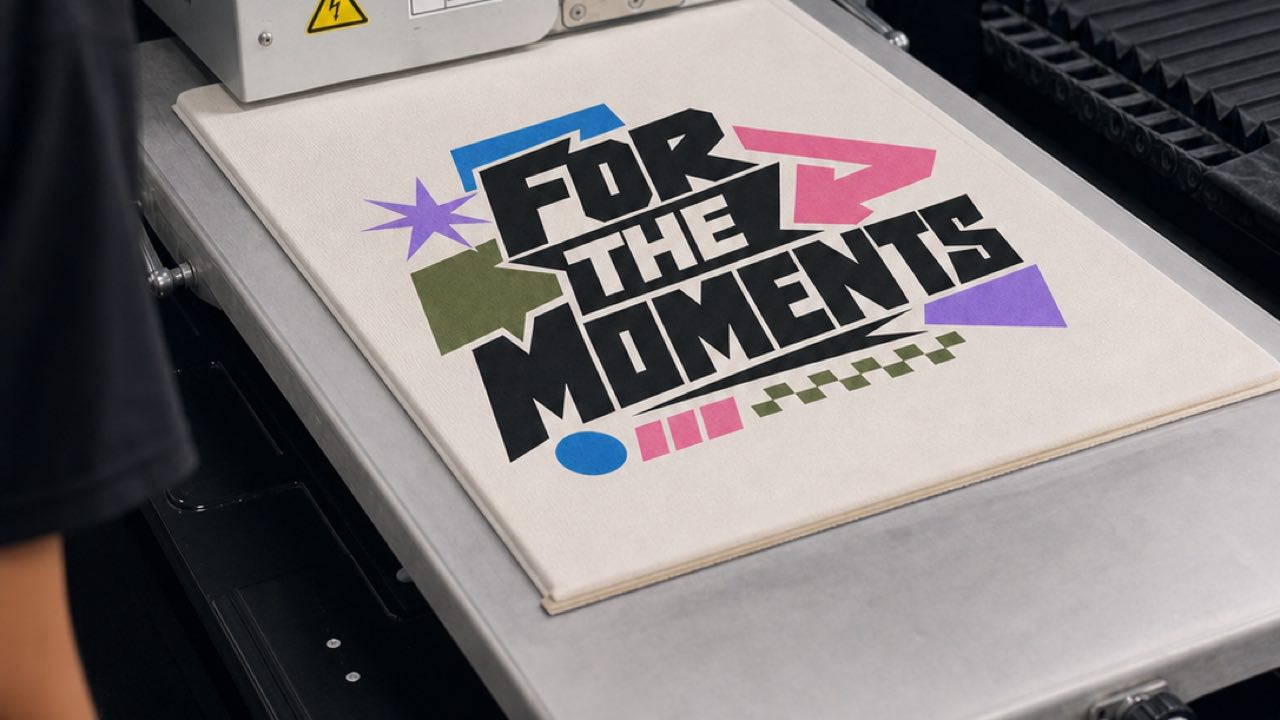
Production applies the selected design to the configured garment. At Tapstitch, each order is printed, cured and inspected before it is folded and packed for dispatch. These are our described production steps, not a claim that an independent laboratory has certified every result.
The product configuration determines what belongs in the order. A print on one area, a different saved layout, and an item with added brand components are distinct configurations. Keep the approved physical reference connected to the one you intend to fulfill.
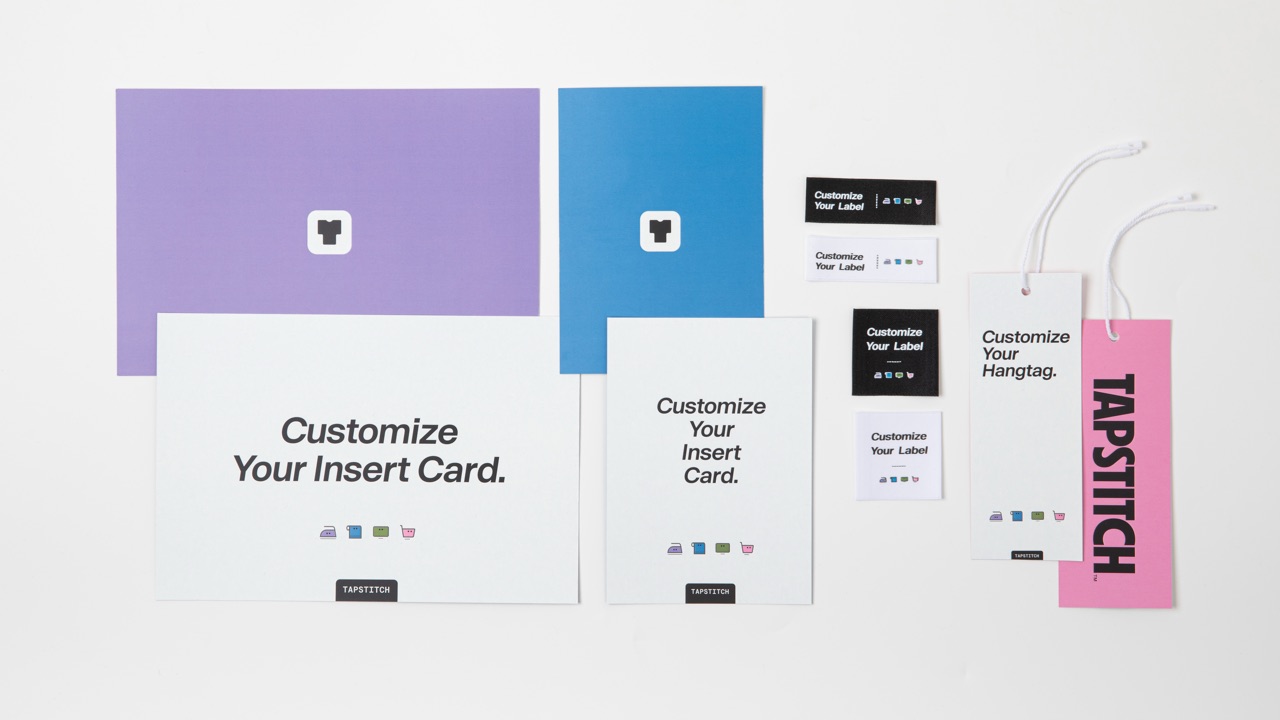
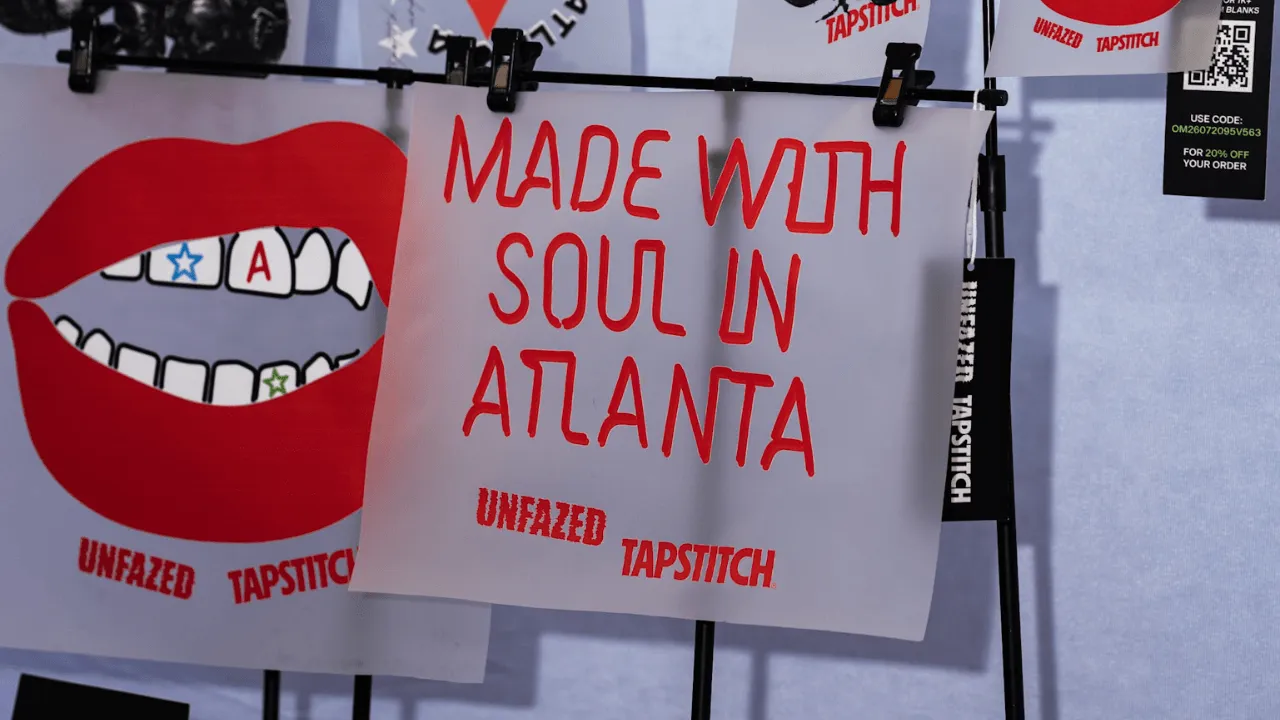
Select brand details through the applicable setup. Labels, hangtags and insert cards should agree with the customer's offer and the saved assets. Do not show a branded component in the product page if the actual order does not include it.
Use the physical item approved before launch as a product reference, not as proof that your brand has already inspected every future order. If a customer reports an issue, compare their order with the relevant configuration and gather the information needed to investigate that item.
Keep production updates factual. Explain the status you can see for the purchase rather than implying a specific machine, inspection result, or dispatch deadline that you have not established. The useful message tells the buyer where the order is and what the next step is.
Follow Dispatch and Tracking
Dispatch moves the completed order into the shipment stage. Production and transit are separate periods, so the shipping estimate should not be described as the complete order-to-door cycle. Use the applicable product and destination information when preparing the customer expectation.
Check fulfillment location for the selected item. Availability of a US route on one product does not establish US fulfillment for every garment. Keep that choice attached to the product configuration and destination rather than extending a general promise across the catalog.
Use the tracking record that belongs to the shipment. Confirm that the store order, supplier order and parcel information refer to the same purchase. This makes a delivery question easier to investigate and avoids sending the buyer an unrelated status update.
A shipment label, carrier handoff, and delivery update can represent different stages. Communicate the stage shown by the relevant record, rather than treating any tracking number as proof the customer has received the parcel.
Keep a follow-up owner for orders requiring attention. Automated information transfer can support the workflow, but your store still needs someone to notice a missing record or an unresolved buyer question. Assign that responsibility before the first launch.
Resolve Delays, Defects, and Delivery Problems
Identify the type of issue before selecting a response. A missing order handoff, production problem, incorrect item and delivery issue call for different information. Start with the order identifiers and the stage at which the process stopped matching the plan.
Your customer should contact your shop. Investigate supplier-related issues through the applicable returns and order problem policy, while keeping the buyer informed. A supplier issue claim does not replace the store-facing response.
Preserve useful evidence without requiring the buyer to repeat the same explanation. Keep photos, the reported problem and actions taken together. If the customer sends updated details, add them to the case rather than creating a disconnected conversation.
Separate the cause from the symptom. A buyer describing a garment as “wrong” may have received an incorrect variant, misunderstood a size description or encountered a product defect. Check the configuration and evidence before assuming all three require the same resolution.
Use closed cases to improve the workflow. Repeated confusion about a size description calls for a clearer listing. Repeated mapping errors call for a product setup correction. This connects problem handling with practical prevention, rather than treating every case as an isolated inconvenience.
Choose Tapstitch when the configured product and order process fit your business, including exception handling. Keep the garment, payment, shipment and customer records connected so the buyer receives a clear account of their purchase.
FAQ
Wrapping Up
POD fulfillment connects a configured order with production, dispatch, tracking and a customer-facing response. Each stage needs the correct product information and a clear owner; an order appearing in the system does not mean every later step is complete.
Keep store, supplier and shipment references connected. Use the actual order state for changes or problem handling, and communicate the stage you can establish rather than promising an outcome the record does not support.