Build your fashion brand with Tapstitch
Create on-trend premium apparel with no minimums. Order just one sample to your doorstep.
Tapstitch Launch Guide
Everything you need to go from concept to customer, fast. Learn the basics in minutes with our zero-jargon beginners series.
Tapstitch Talks
Bite-sized videos that break down key topics on the key processes, tools, and ideas behind building a fashion brand.
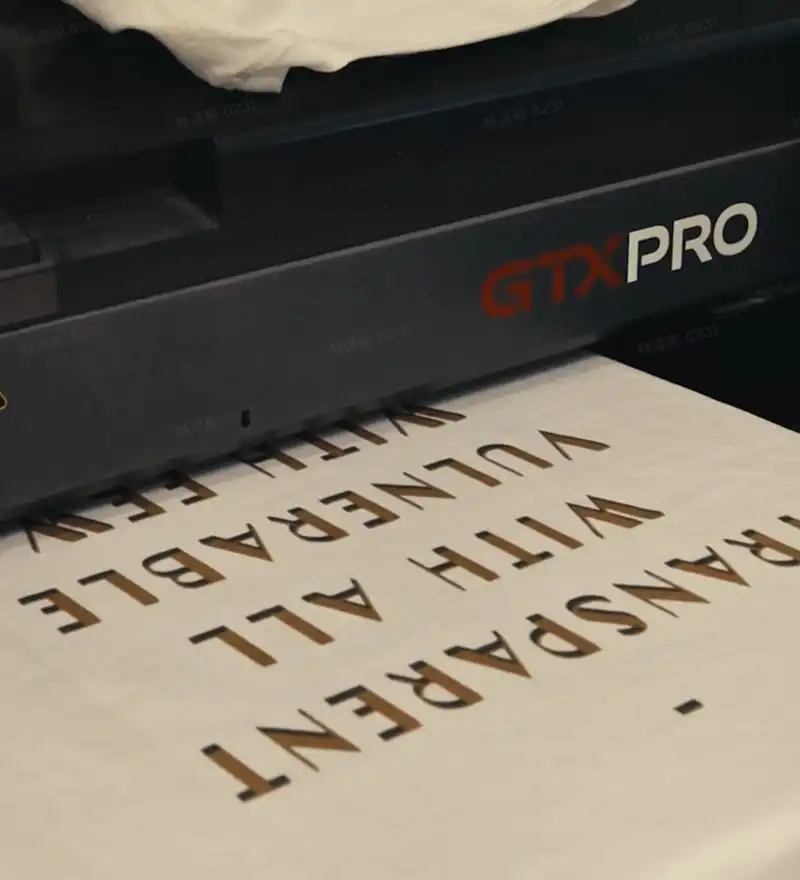
Every Tapstitch order is made on demand.
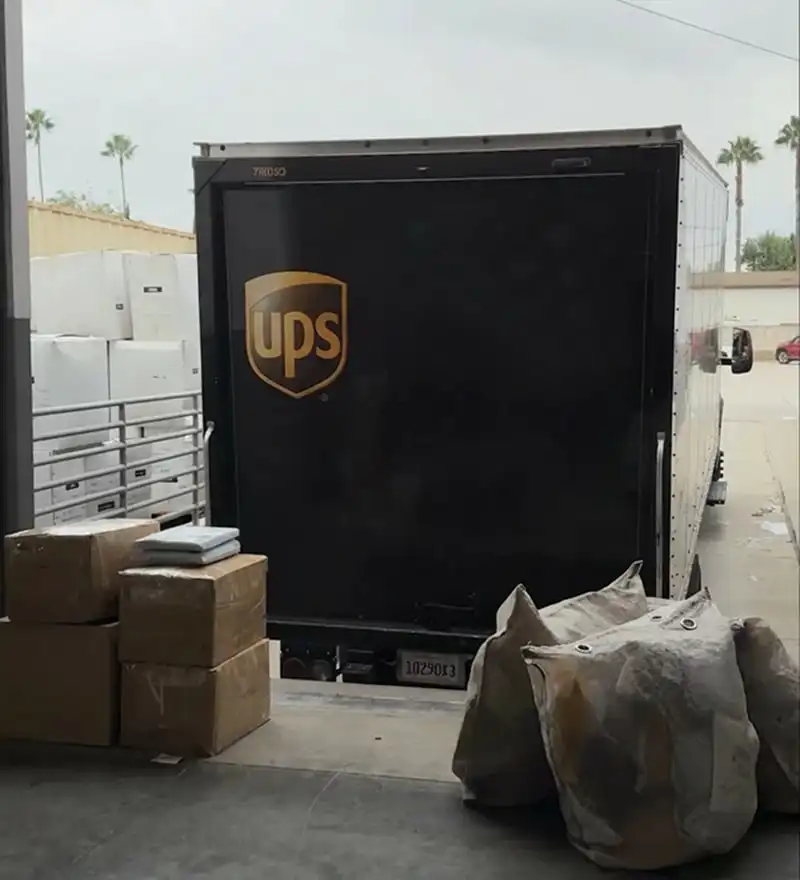
Which Tapstitch Shipping option is best for your brand?
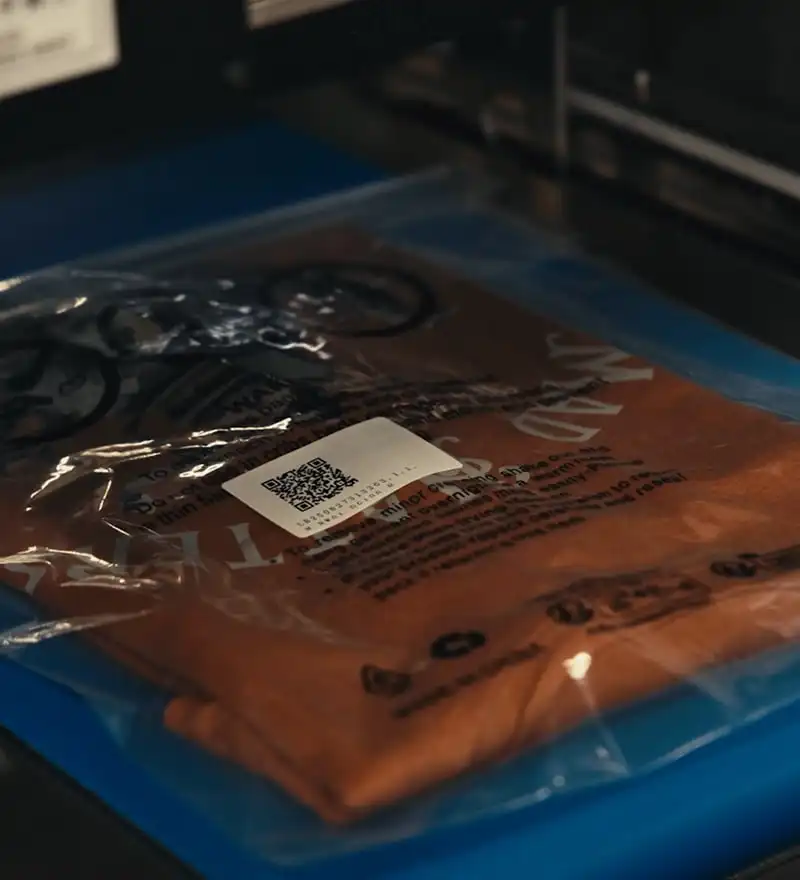
Which fulfillment option is best?
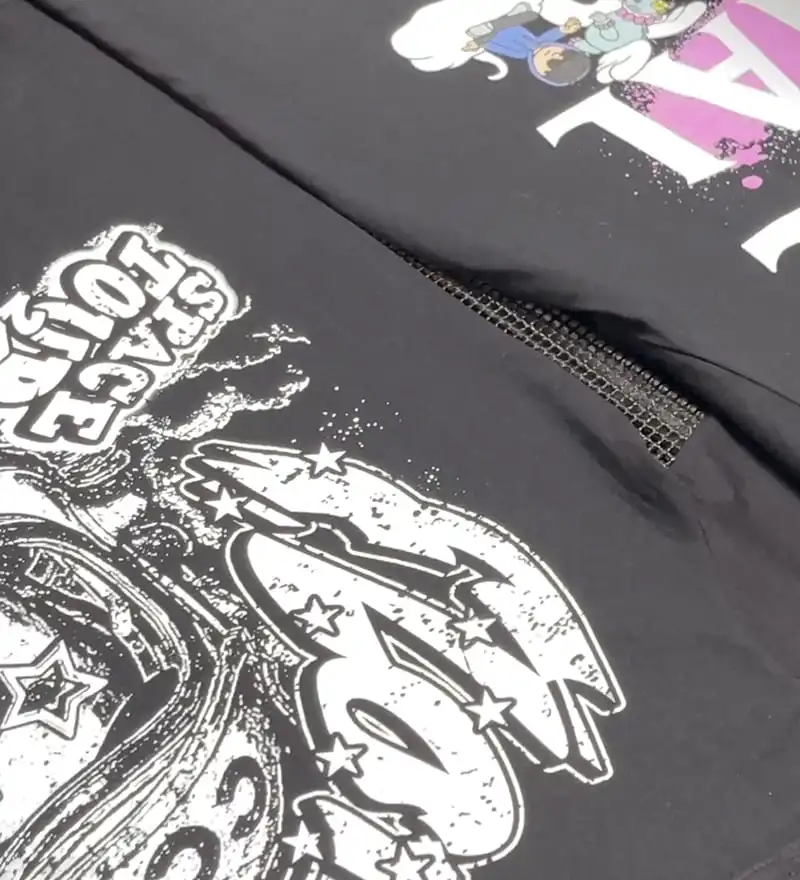
Premium fashion, made on demand.
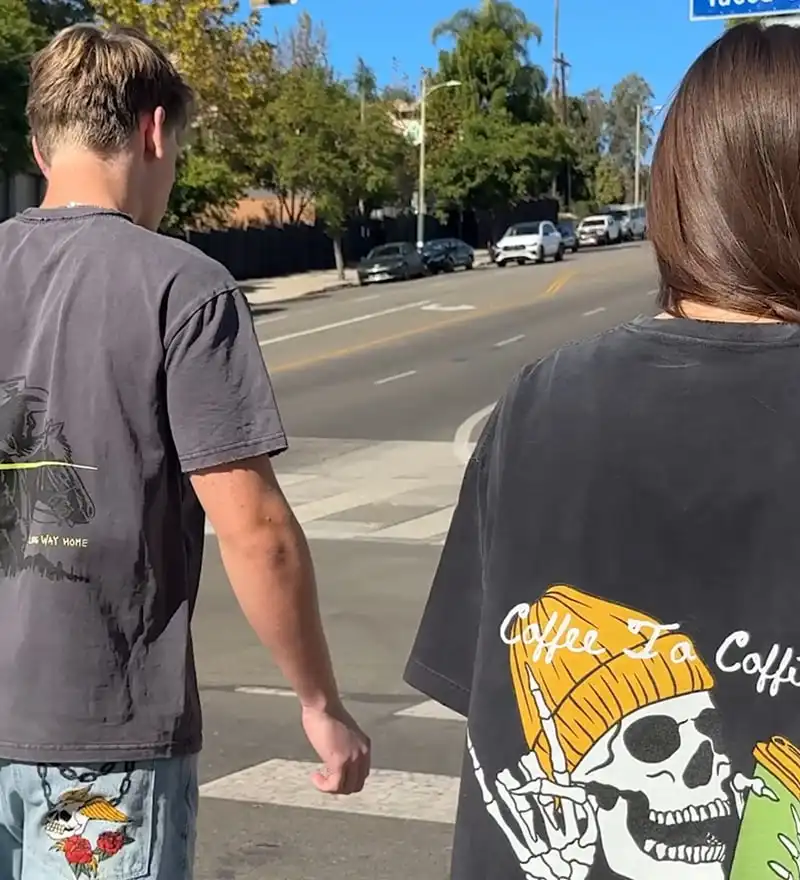
Stocked with trend-driven, designer-curated blanks.
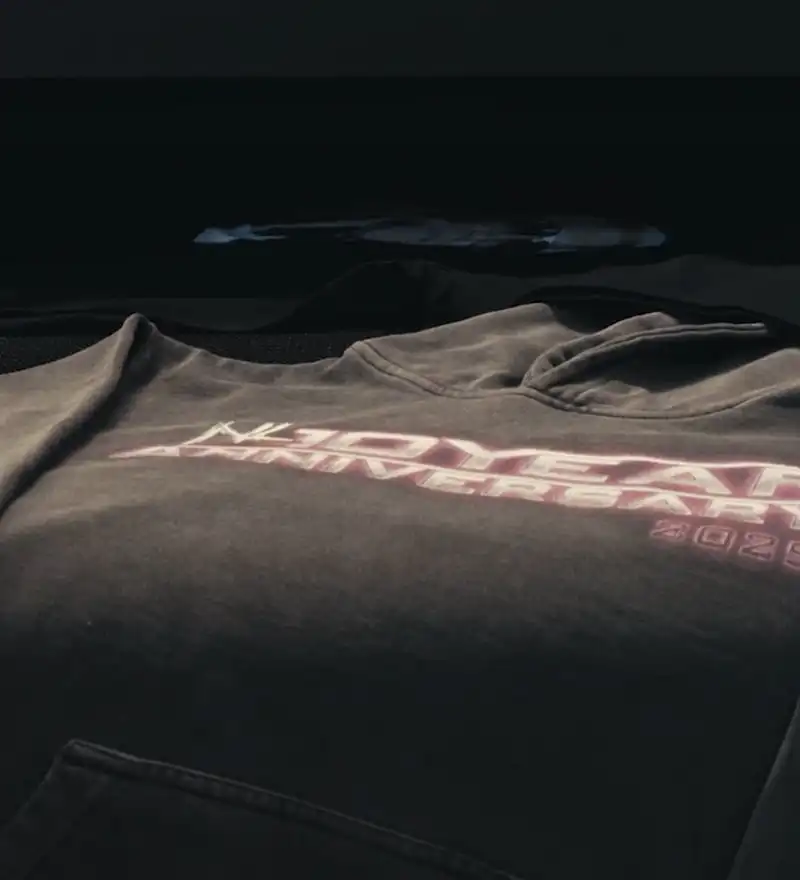
Provide the optimal printing method for every garment.
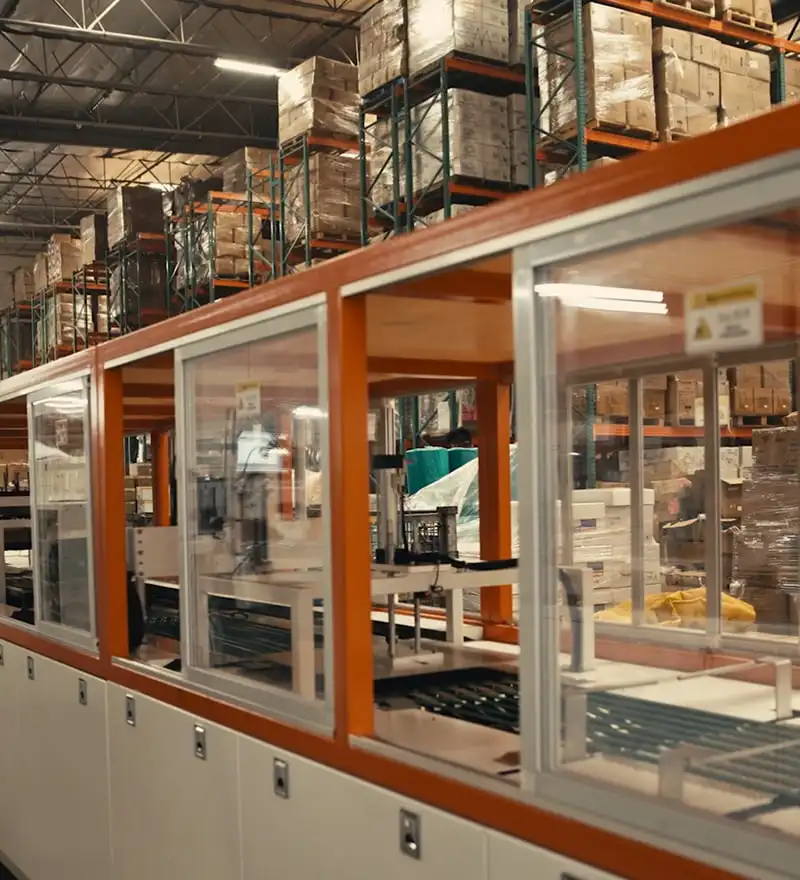
Provide trusted support for your brand.
What’s New at Tapstitch
Explore new features, fresh drops, and creator updates from Tapstitch.

Youtube
Why Top Brands are Switching from Traditional Print-on-Demand to Tapstitch

Youtube
The Monthly Stitch: December | Denim Drops, Upgraded Education Hub, & the Tapstitch Partner Program

Youtube
How to win Black Friday, Cyber Monday, & peak selling season I For POD and Fashion Brands🤝🔥

Youtube
The Monthly Stitch: November | Sleeve Printing, Over 50 New Blanks, & Holiday Season Selling Tips🚀

Youtube
Sleeve Printing Is Here | How To Design Custom Sleeves with Tapstitch

Youtube
Fulfillment Guide: US🇺🇸 or International?🌎 I Which is Right for Your Brand? I Tapstitch POD

Youtube
Designers Don’t Cut Corners - Tapstitch | Why Designers Choose High-End POD Episode 1

Youtube
Trusted Production Partners Matter - Tapstitch | Why Designers Choose High-End POD Episode 2

Youtube
The POD Built for Designers - Tapstitch | Why Designers Choose High-End POD Episode 3

Youtube
Your Product Quality = Your Reputation - Tapstitch | Why Designers Choose High-End POD Episode 4

Youtube
The Monthly Stitch | October: Expanded US Fulfillment, Faster Design Tools, & Upgraded Dashboard🚀

Youtube
How Mutty Prints Delivers Premium Fashion Fast with US Fulfillment I Tapstitch Customer Story

Youtube
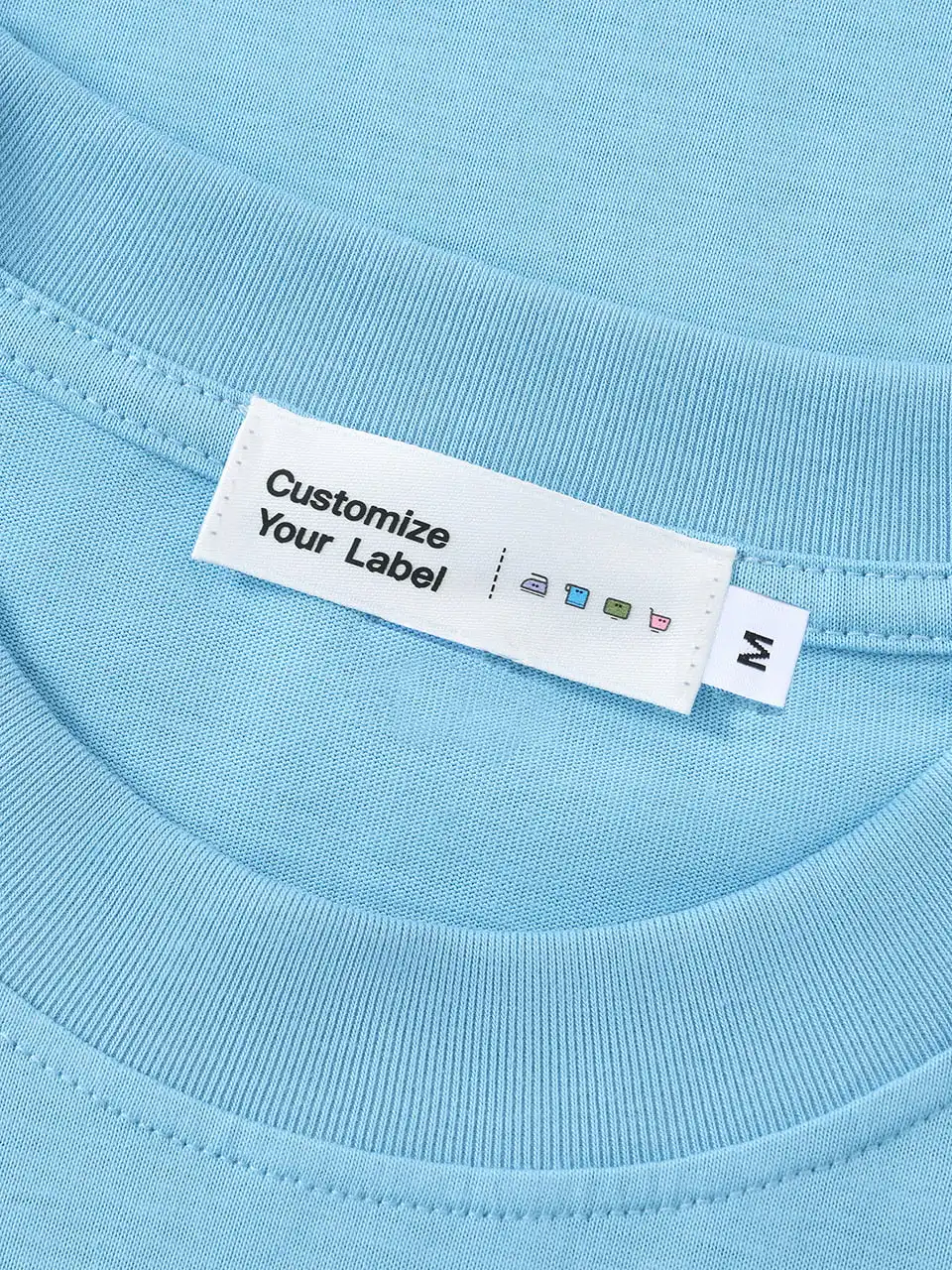
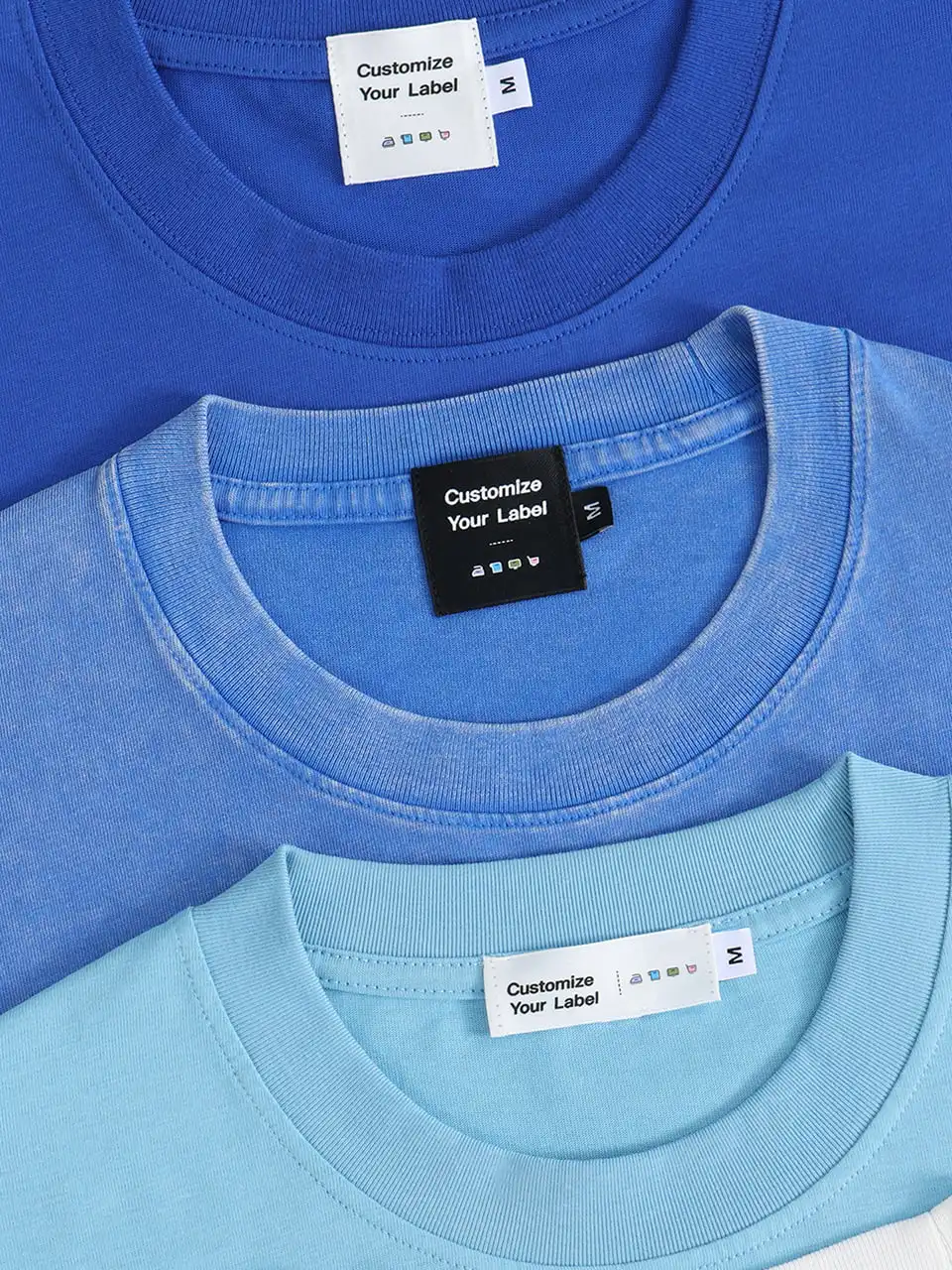
Custom Labels That Sell: How to Make Them + Why Your Brand Needs Them | Tapstitch

Youtube
How Creators Earn 10% for a Full Year with the Tapstitch Partner Program

Youtube
Everything You Need to Know About Tapstitch I Who We Are & What We Offer I Premium Print-on-Demand

Youtube
What if building a clothing brand was this simple? Meet Fashion-on-Demand.

Youtube
The Monthly Stitch | New Integration, Embroidery Testing, New Features, & upcoming UNFAZED event

Youtube
The Monthly Stitch: May | Custom Branding Is LIVE, World Cup Jerseys, Got Sole, & New Drops

Youtube
Inside King Hino: Boxing, Fashion, and Building a Brand With Meaning

Youtube
The Monthly Stitch: April | 100+ Blanks, NEW PATTERNS, Custom Branding Update, & More
Youtube
How to Build a Clothing Brand People Actually Connect With. Then Scale it the Right Way.
Youtube
The Monthly Stitch: March | 100+ Blanks, DTF for US Fulfillment, Custom Branding Update, & More

Youtube
How Boring Run Club Built a Community and Brand That People Want to be a Part of I Founder Story
Youtube
The Monthly Stitch: February | Tuesday Drops Return, Brand Highlight, Custom Branding Update, & More

Youtube
From Personal Loss to a Clothing Brand | Founder Story: You Are Enough Co.
Youtube
The Monthly Stitch: January | Clothing Brand Updates, Weekly Drops Pause, New Customization Coming 👀

Youtube
Start a Clothing Brand With No MOQ | Print-On-Demand vs. Bulk Explained (2026)
Need Help?
From design to delivery, we’re here to help. Reach out anytime.
Live chat
Fast, friendly support whenever you need it.
Average response time: 2 minutes.
Send us an email
We'd love to hear from you!
Frequently asked questions
How do I set up shipping rates for my store?
How do I connect my store to Tapstitch?
Why didn't my order sync?
How do I create a design in Tapstitch?
How do I link my Tapstitch design to my store product?
Can I cancel an order?