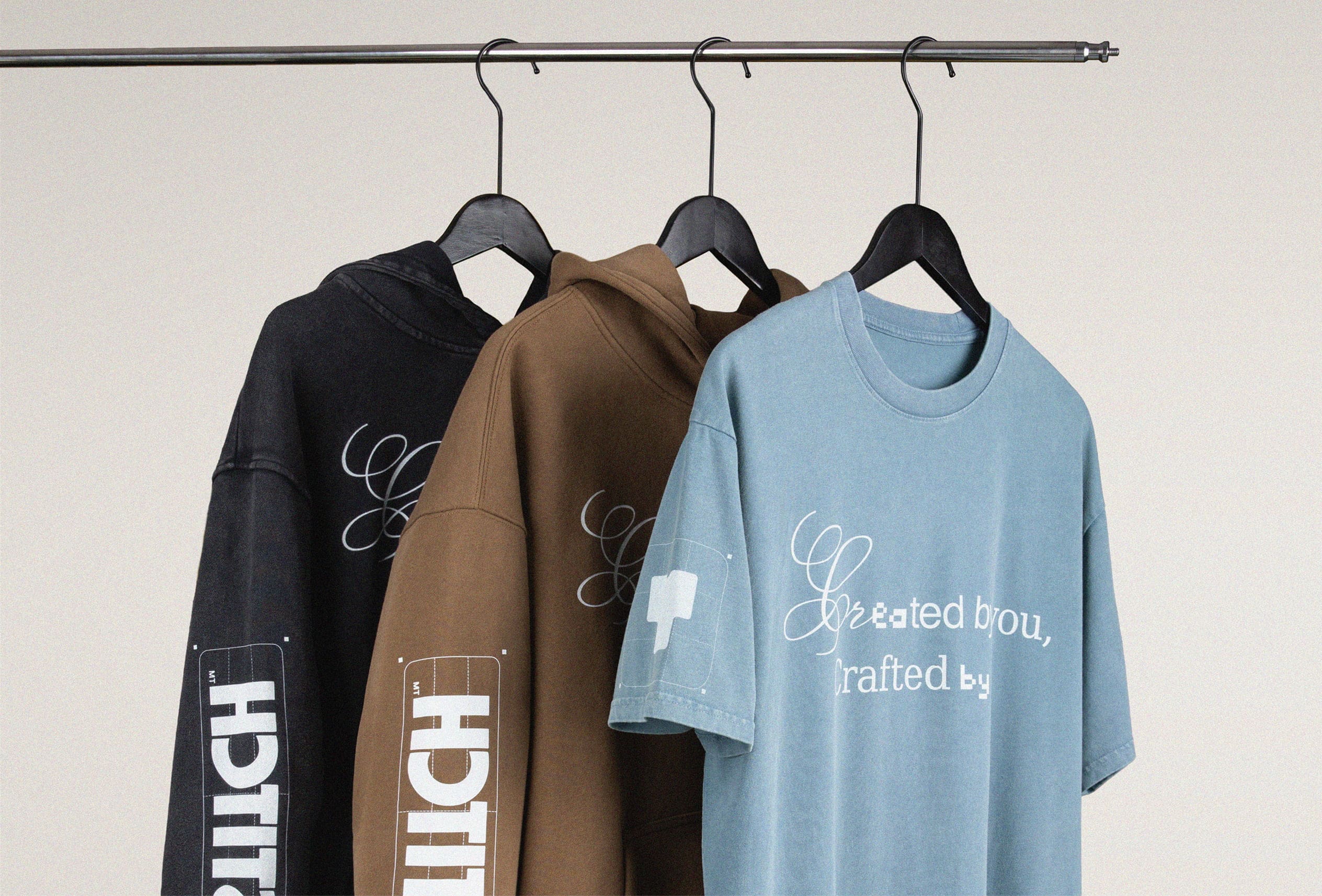







How to Turn a Clothing Design into a Product
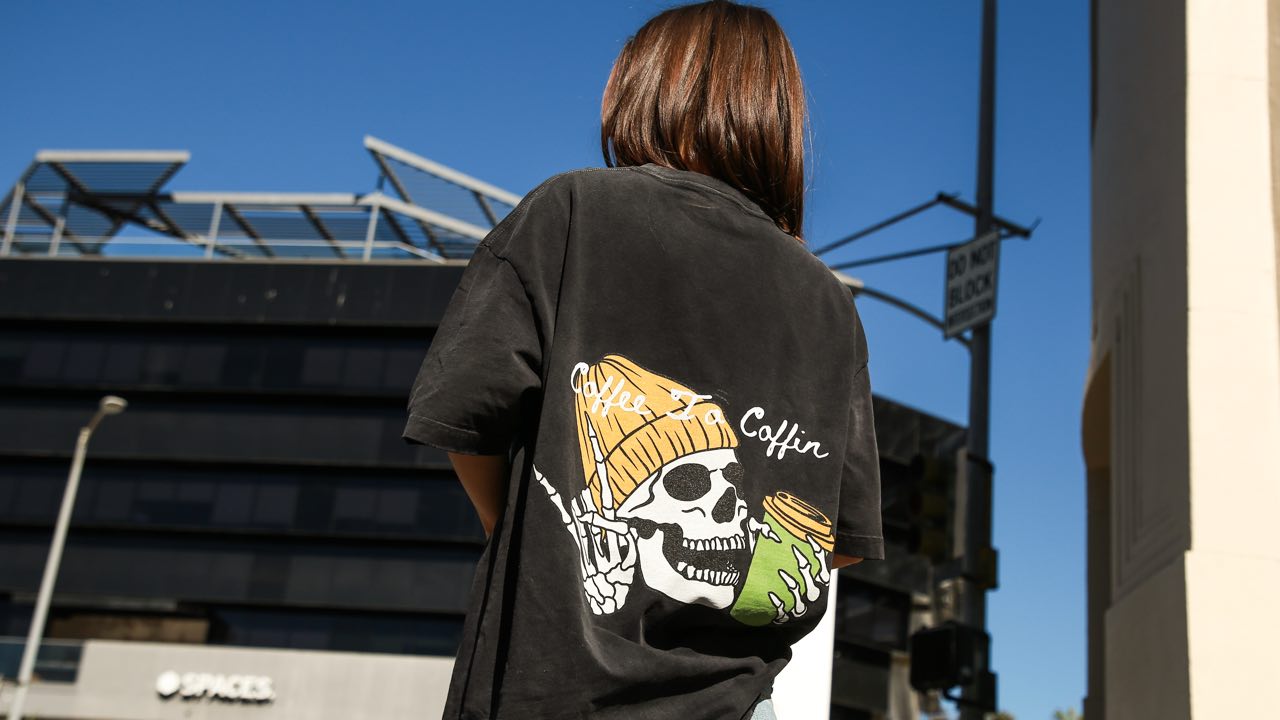


To turn a clothing design into a product, choose a custom clothing supplier that matches what you intend to make. At Tapstitch, we offer a way to apply your designs to existing garments and order a single item before selling. That makes us a good fit for a first graphic collection when the available cut, fabric, and decoration area match your brief. A design requiring a new sewing pattern needs a manufacturer that specifically offers garment development.
Choose a Supplier That Can Turn Your Design into a Product
Choose the production route before preparing the final artwork. Use these four checks to match the supplier to your design:
- Identify the production task. An original illustration may work on an existing T-shirt blank. A new sleeve shape or garment structure requires a manufacturer that offers pattern and garment development.
- Define your product requirements. Write a short brief covering the intended wearer, silhouette, fabric and defining design feature. Separate essentials from preferences: a relaxed fit might be essential, while a particular shade might be flexible.
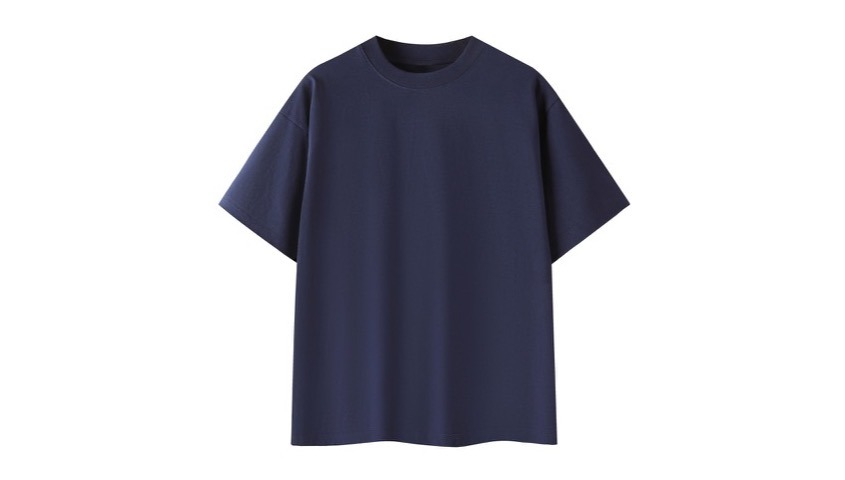
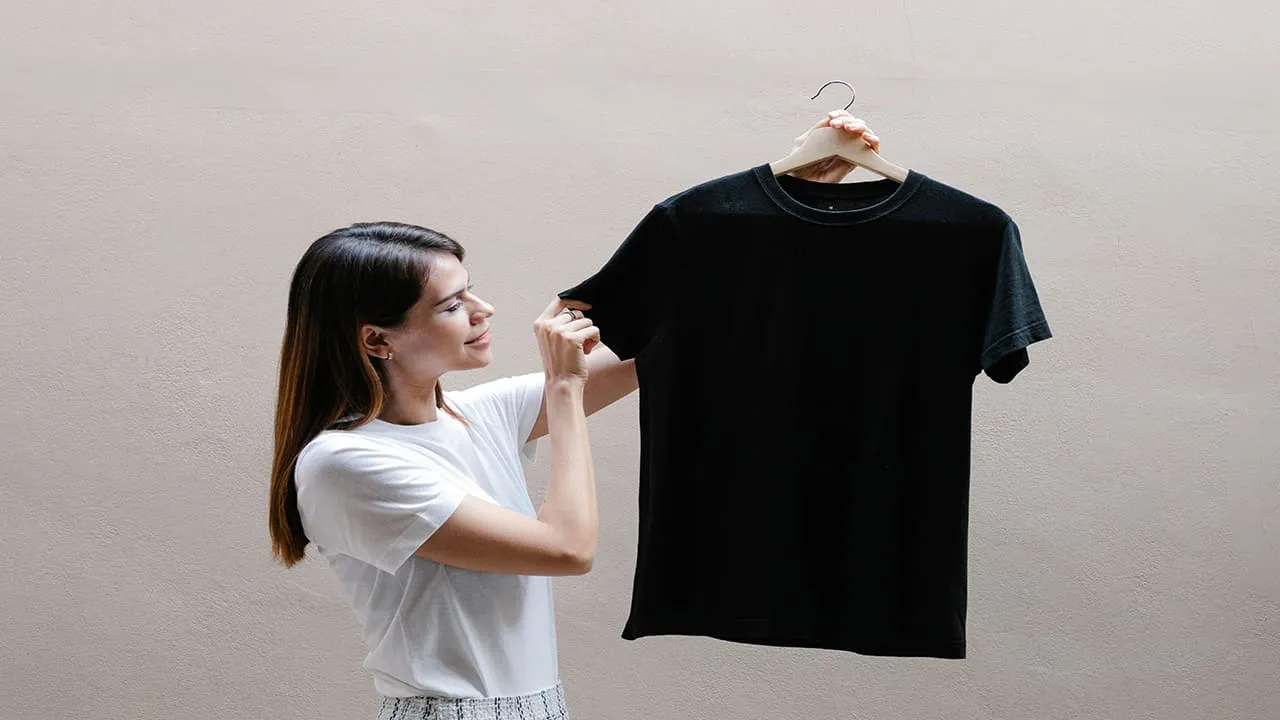
- Check a specific garment. Our Essential Cotton T-Shirt RT0063 is one option for a loose cotton tee. Review its specifications, size information and customization options to assess whether its proportions and design area fit your brief.
- Choose the supplier that meets the brief. For designs that fit available garments, Tapstitch can handle customization and direct fulfillment while you retain responsibility for the design and customer offer. Choose a development manufacturer when an original cut is essential.
Turn the Design into a Production-Ready Product
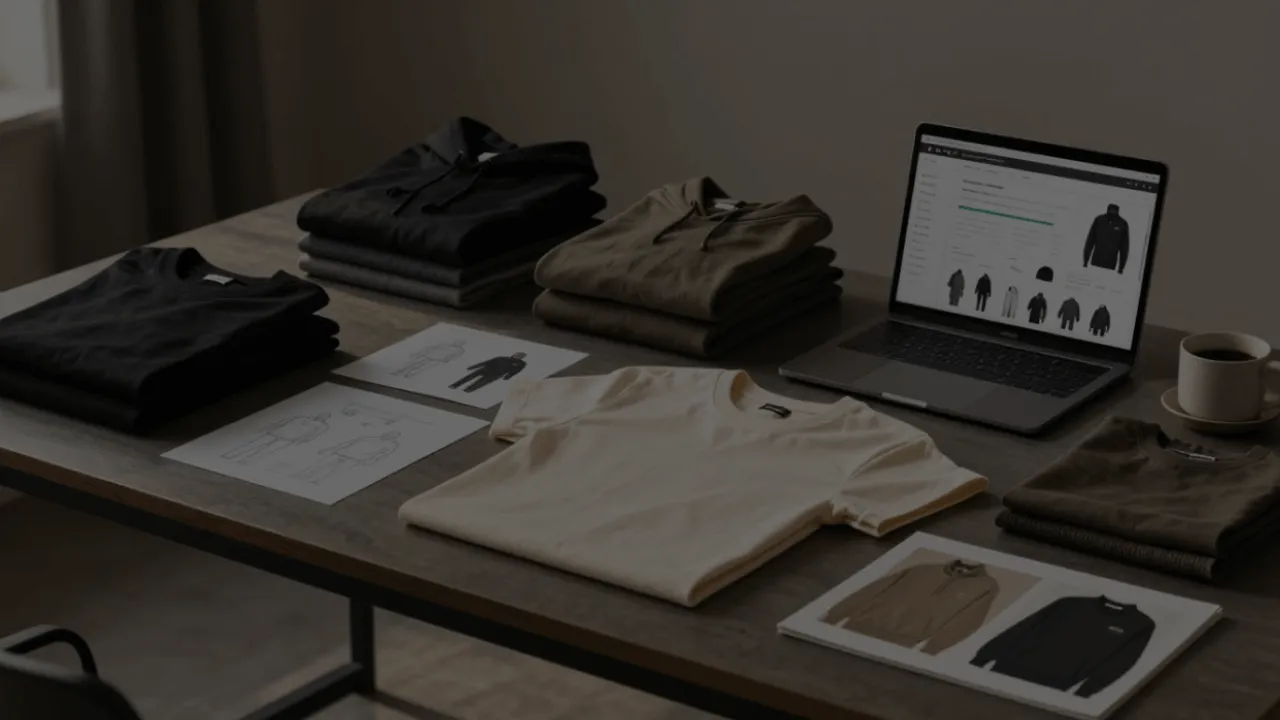
A production-ready product combines a selected garment, an approved decoration layout, and a physical reference you are ready to sell. Work through those decisions in order. The artwork should respond to the garment, and the listing should respond to the finished item.
Keep a product record as you go. Save the garment code, color, size, artwork version, and placement. If you change a file after ordering, give it a new version name. That record helps you distinguish the item you approved from an earlier draft and prevents an outdated design from reaching the store.
Select the Garment and Check the Design Area.
Start with the garment shape, then review the available decoration area. A wide illustration may suit a broad front panel, while a compact mark may work better as a restrained focal point. The area available in the selected product's design tool is the working boundary for that item. Do not treat a layout from another style as a transferable template.
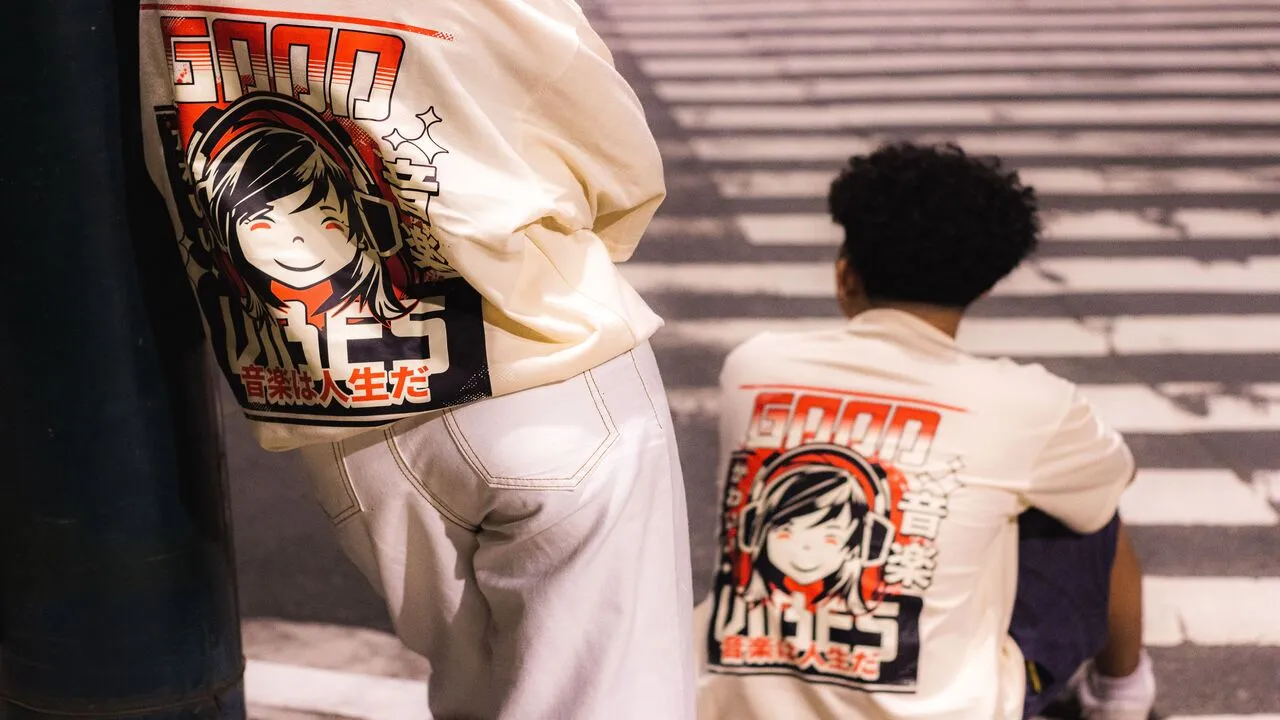
Consider the relationship between the image and the wearer. A print that looks centered on an isolated flat mockup can feel differently positioned when worn. Check where the neckline, hem, and sleeve seams sit relative to the graphic. Think about how the garment will be styled: tucked in, layered, or worn loose.
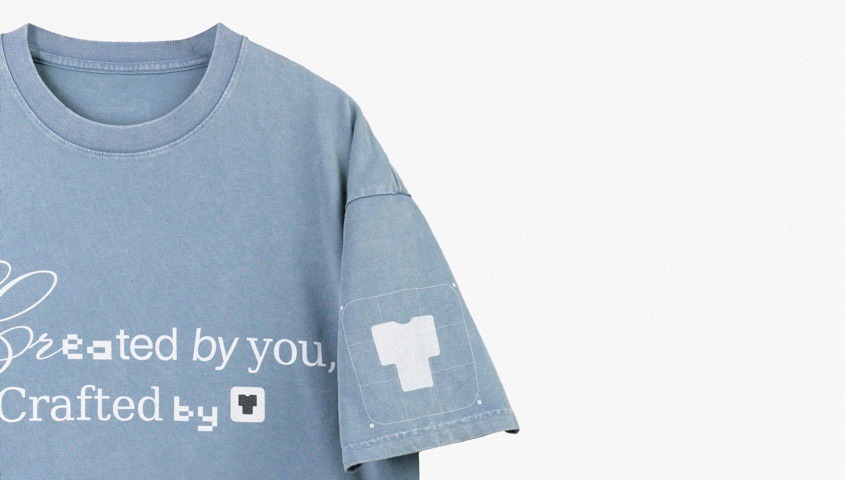
Use the size guide to plan the fit you will describe. "Oversized" is a silhouette description, not permission to ignore measurements. Compare the proposed garment with a reference piece your intended customer would recognize. Record which measurements matter most to the design, such as body width or length, instead of relying on the letter printed on the size label.
If an essential design element needs an unsupported location, choose deliberately. Move the artwork, select a different garment or choose a production service that supports the required construction. Keeping a compromised layout merely because the blank is inexpensive can leave the finished product far from the original idea.
Prepare and Place the Artwork.
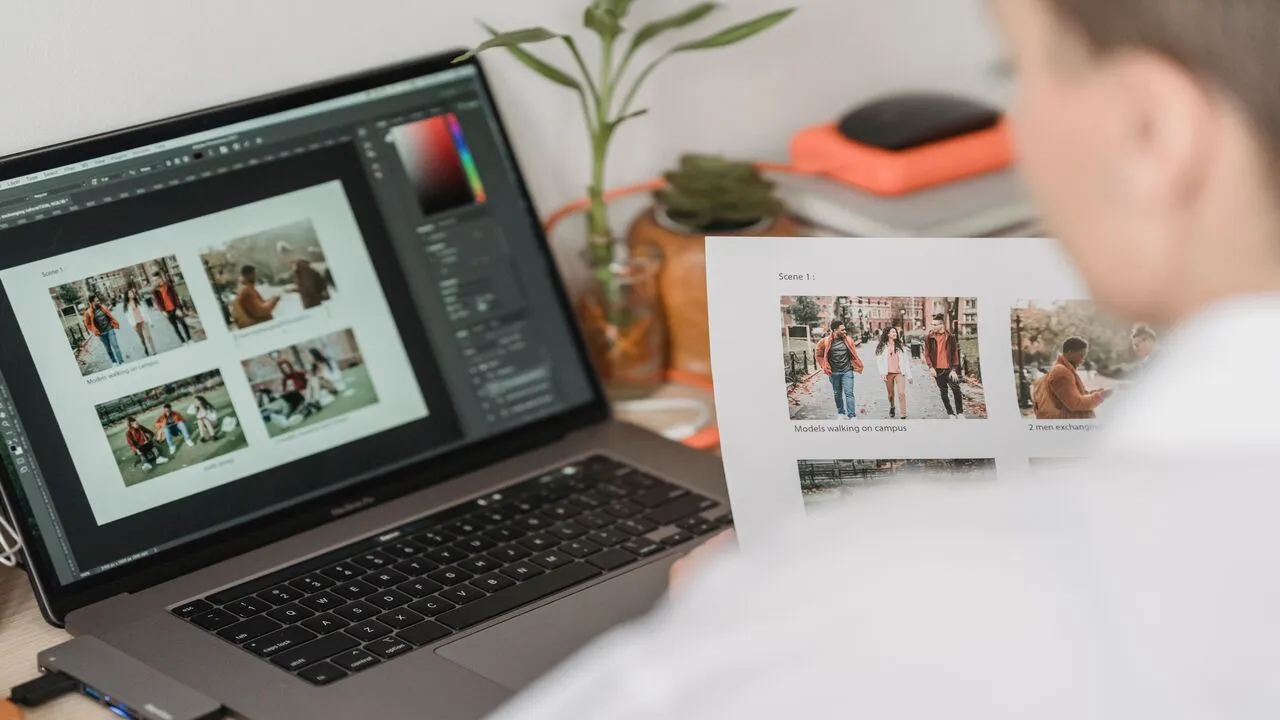
Build the artwork at its intended printed size. For raster graphics, our T-shirt design size guide recommends maintaining 300 DPI and explains PNG, JPG and SVG options. Use the selected product's uploader for the applicable file acceptance and placement settings. A general design guide does not establish a universal print area for every garment.
Inspect the file rather than judging it from a thumbnail. Zoom in on small lettering, outlines and any edges created by removing a background. A transparent PNG is useful when the design should follow its own outline rather than print inside a rectangular background. If a background is intentional, keep it as part of the composition.
Check the artwork against the chosen garment color. A pale detail on a pale shirt may lose visual separation. A dark outline that reads clearly on white may become hard to see on black. Preview each color you intend to offer; do not assume a file approved on one background works unchanged on another.
Place the image with a clear reference point. Record its intended width and position within the available area, and keep the saved design consistent with the mockup you will use. Avoid enlarging a small image to fill a larger space. Changing the resolution label cannot recreate detail missing from the original file.
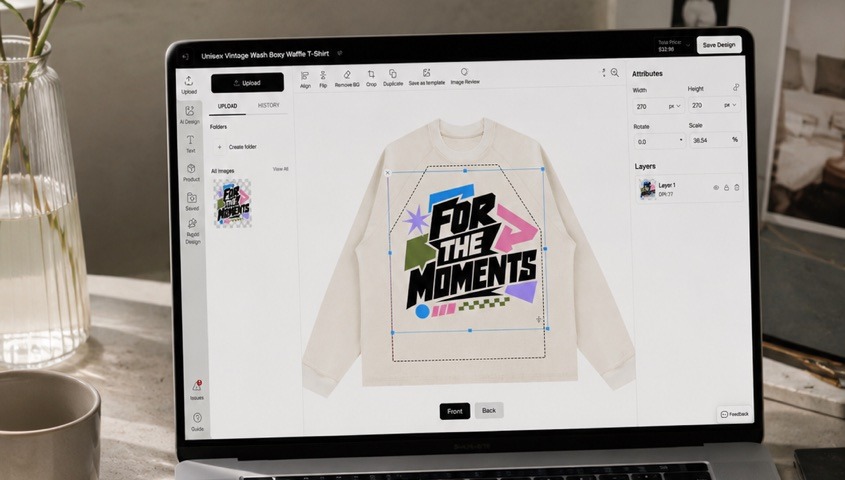
Before ordering, review spelling, dates and any text embedded in the image. Confirm that you own or have permission to use the artwork. A production-ready file should be ready both visually and operationally: the correct image, attached to the correct garment, in the correct saved design.
Review a Physical Sample before Selling
Order a single item as a physical reference. Tapstitch's single-item ordering lets you try a product without buying a bulk run; it is a standard paid order rather than a separate free sampling service. Include the selected decoration and shipping in your evaluation of the order total.
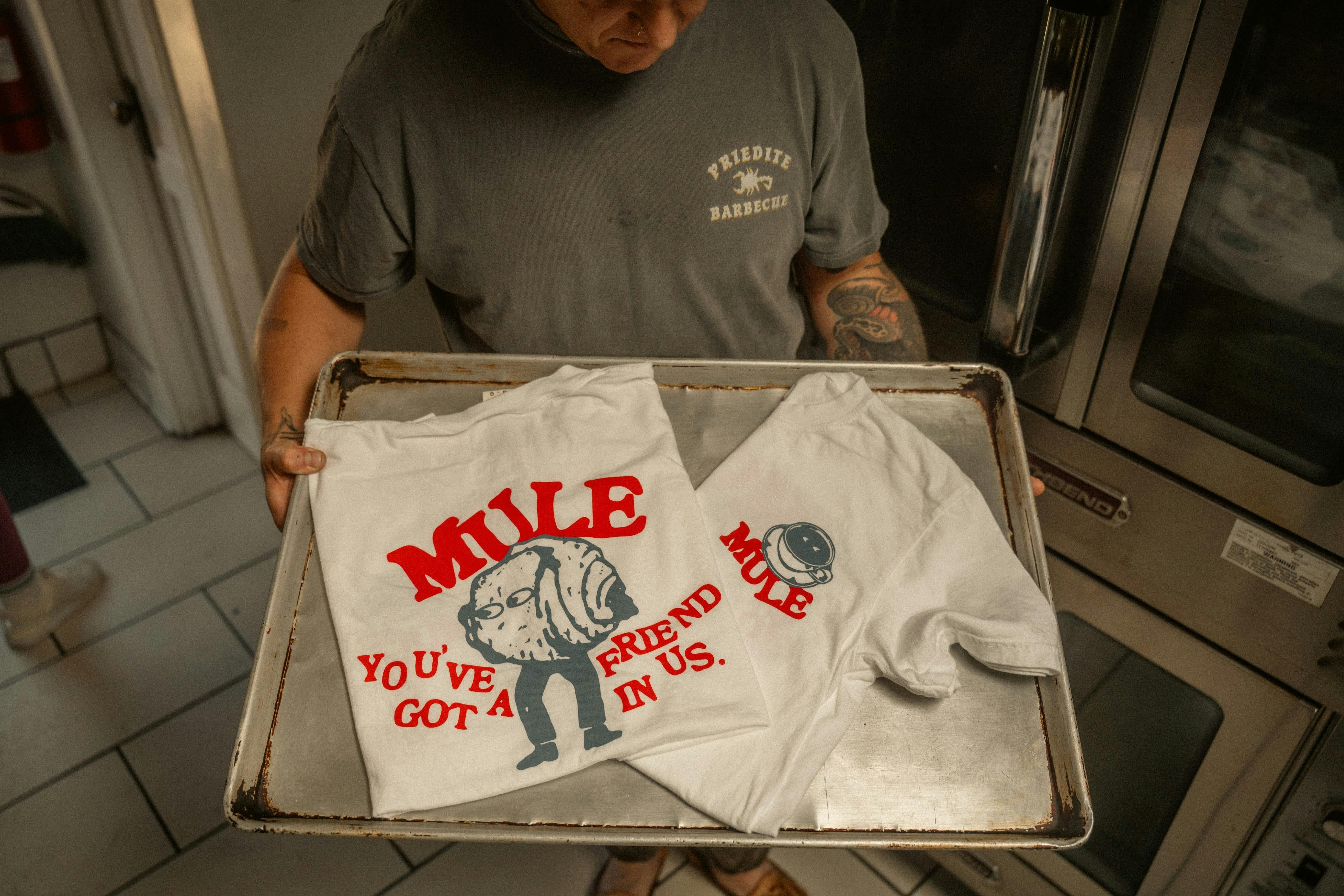
When the garment arrives, compare it with the product record. Check the style, color, and size first, then inspect the print's scale, position, and legibility. Wear the garment or assess it on a model with an appropriate fit. Look at the graphic when the fabric moves, not just when the shirt lies flat on a table.
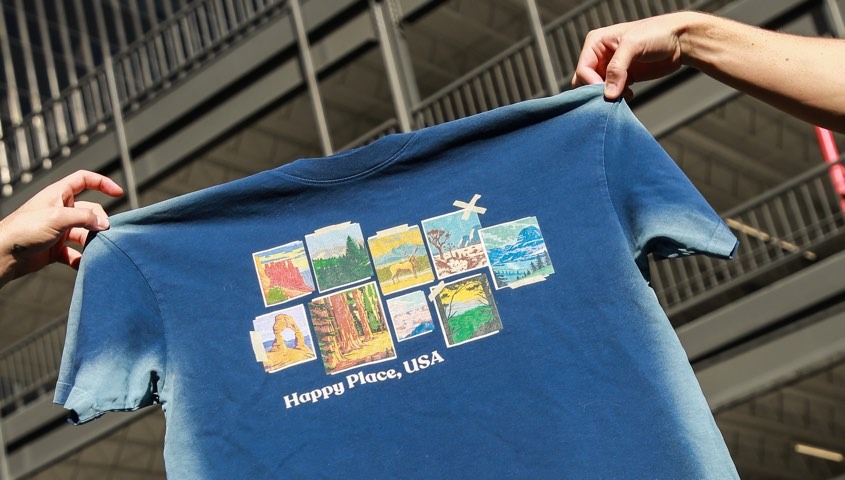
Follow the garment's care instructions when checking it after washing. Photograph it before and after under similar lighting, and record any change relevant to the sales description. This is your own product assessment; one item should not be treated as proof of every future production outcome or every other garment in the range.
Decide what an issue means before placing a revised order. A typo calls for a file correction. A graphic obscured by the styling may need repositioning. A silhouette that does not match the collection may call for another blank. Distinguishing those causes prevents repeat purchases that change several variables without solving the real problem.
Keep a separate record for each colorway if its graphic treatment differs. A pale garment may use a dark outline while a dark garment needs a lighter version. Name those versions clearly and attach each to the correct image and option. When preparing the listing, review the selection as a customer would: the chosen color, preview and ordered design should agree. This check connects your artwork decisions to the buying experience and helps prevent the wrong print file from being used on the wrong variant.
Make the Approved Product Ready to Sell
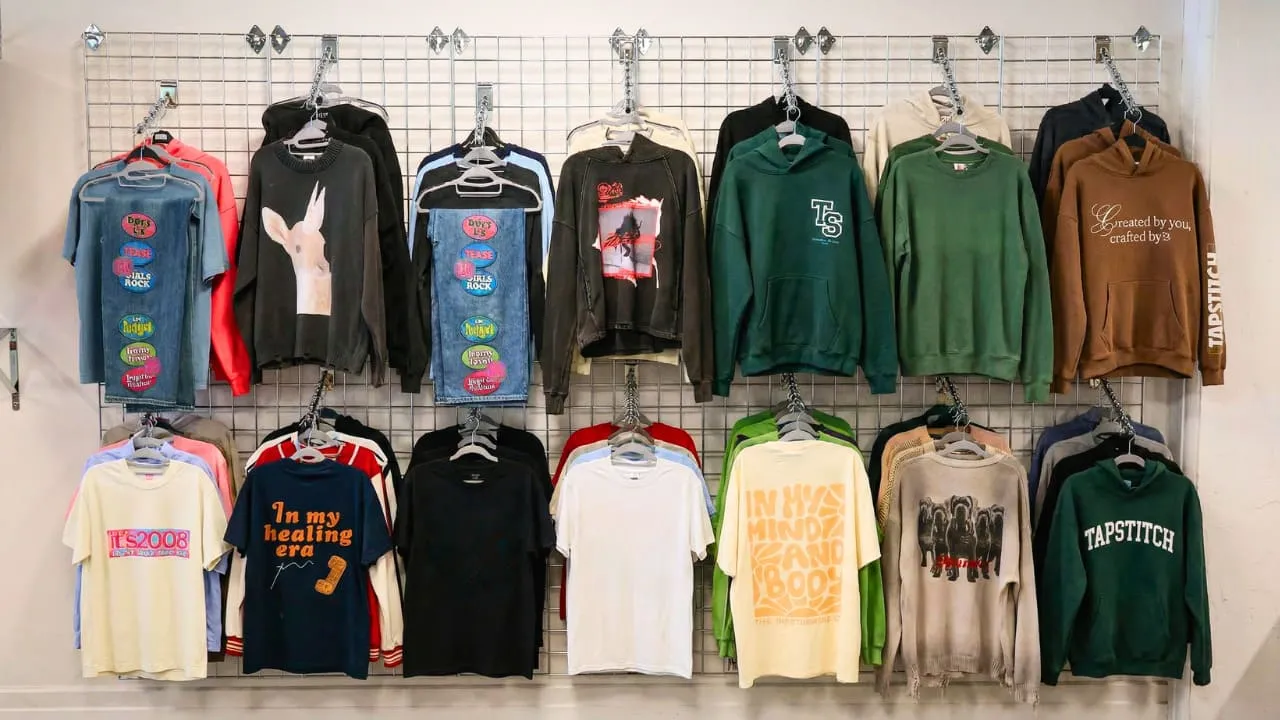
Build the product page around the approved item. Use photographs that show the actual placement and proportions, then add supporting mockups where useful. If you sell several colors, represent each accurately rather than copying a single sample across every option.
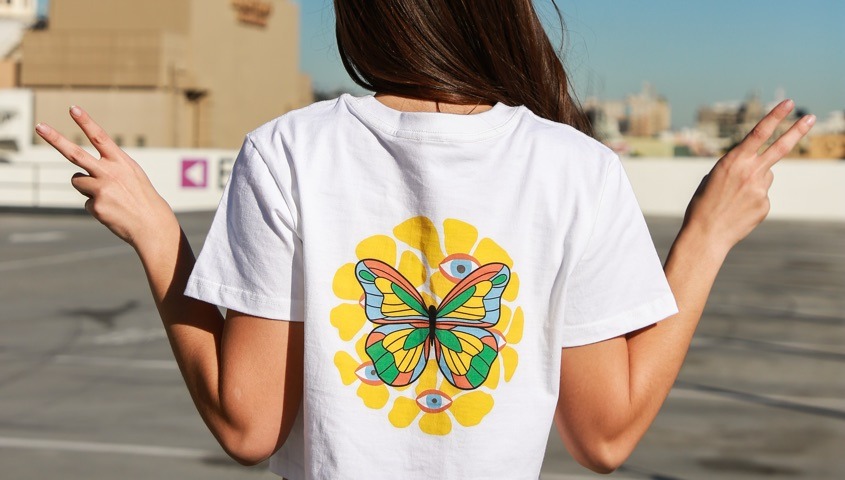
Write a description that answers practical buying questions. Explain the fit, the garment details and the available sizes. Include the applicable care instructions. Describe the design in language a customer can understand, but avoid turning an artistic concept into unsupported claims about durability or manufacturing performance.
Prepare the order information alongside the visual presentation. Record the cost of the configured product, the shipping approach and the destination you intend to serve. Keep production and shipping estimates separate. The customer sees one purchase, but your planning needs to account for both stages.
Before opening sales, make sure the product a customer can select matches the design you approved. Check the variant names, the images attached to them and the saved artwork version. If the store is connected for fulfillment, follow the applicable integration and order instructions rather than assuming publishing alone finishes the setup.
Your first product is ready when the garment, artwork, physical reference and listing agree. Choose a suitable blank, prepare the design for that item and approve the finished result before inviting customers to buy it.
FAQ
Wrapping Up
A clothing design becomes a sellable product when the selected garment, artwork, physical reference and listing all describe the same item. Start with a production route that fits the design: customizing an available blank and developing an original garment require different capabilities.
Choose a suitable style, prepare the artwork for its supported area and review a paid configured item before listing it. Let that approved product guide the images, size information and order setup customers will use.


.webp)
.webp)


.webp)

%20(1).webp)
.webp)
.webp)

.webp)
.webp)
.webp)
.webp)
.webp)
.webp)

%20(3).webp)


.webp)
.webp)
.webp)
.webp)
.webp)
.webp)
.webp)






.webp)



.webp)
.webp)










.webp)


.webp)

.webp)
.webp)

.webp)
.webp)



.webp)
.webp)
.webp)
.webp)
.webp)

%20(1).webp)

.webp)

.webp)