






How to Choose a Custom Clothing Supplier for Ecommerce


When choosing a custom clothing supplier for ecommerce, look for a fit with the garment, brand presentation and order workflow you intend to sell. At Tapstitch, we are a candidate when available apparel, customization, low-quantity ordering, and supported store connections meet those requirements. Use the nine checks below to make that decision. A missing essential capability should change the product plan or supplier choice, even when the catalog looks attractive.
Start with the Supplier Requirements of Your Ecommerce Brand
Write a supplier brief before comparing platforms. Describe the customer, the collection, the required garment features, and the store you operate. Include the destination you will serve and the brand details customers should receive. This turns a broad supplier search into a set of decisions you can actually make.
Mark each requirement as essential or flexible. You can't replace an essential size range with a lower price. You might change to a preferred garment color if another option works with the collection. Without that distinction, it is easy to accept a supplier that meets several small preferences while missing the requirement that matters most.
Use one record for each candidate's product. Keep the garment code, specification, planned decoration, selected services, and order configuration together. The nine checks then form a coherent product assessment rather than nine unrelated questions answered from different pages.
Check the Garment and Design Fit
Evaluate the garment before evaluating the business workflow. An integration cannot improve the fit of an unsuitable blank, and a brand label can't add a construction feature the product doesn't have. Start with the item customers will wear.
Inspect the precise style you plan to customize. Category-level descriptions are useful for browsing; product-level specifications are needed for approval. Build the collection from items that pass that closer examination.
1. Styles and Product Categories
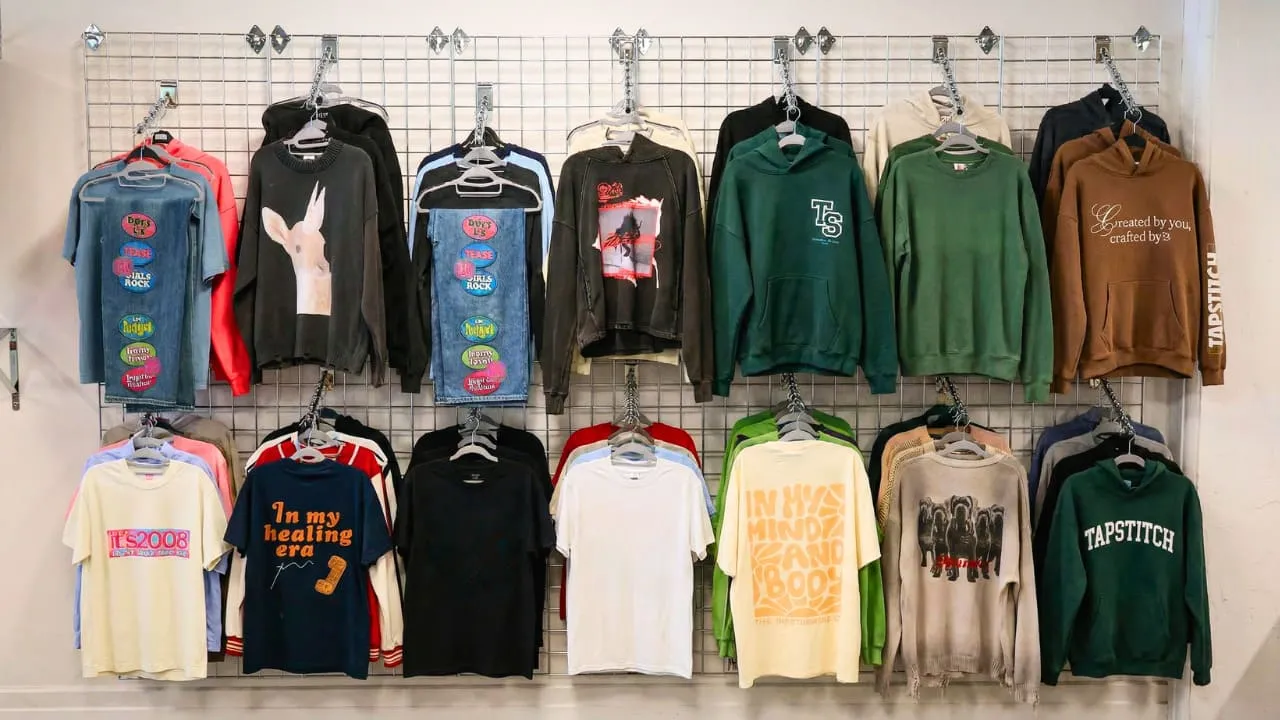
Choose styles that serve a specific role in the range. A launch may need a core tee, a warmer layer and one distinctive fashion piece. Those roles help you assess whether a catalog supports the collection instead of rewarding a supplier for unrelated product variety.
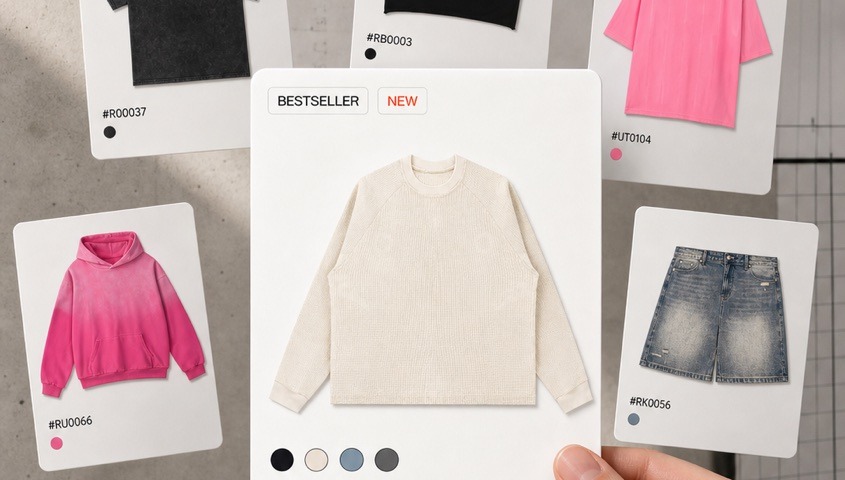
Browse our apparel catalog, then identify the exact items you would offer. Check that the customization route suits each one. If the collection depends on an original cut, select a manufacturer that explicitly provides development rather than assuming blank customization includes pattern making.
2. Fabric and Garment Specifications
Read fiber composition, fabric weight and the described finish together. GSM describes fabric mass per square meter; it is not a universal grade of quality. Choose a specification for the product's intended use and season, then assess the finished item physically.
For example, our Essential Cotton T-Shirt RT0063 lists cotton composition and fabric weight. That gives you a basis for deciding whether to trial it. It does not establish that every cotton shirt in the catalog feels the same or suits the same customer.

3. Sizing and Fit
Use the product's measurements to assess fit. Letter sizes are insufficient when your collection depends on a particular length, width or silhouette. Compare the relevant dimensions with a reference garment and decide how you will explain the fit to buyers.
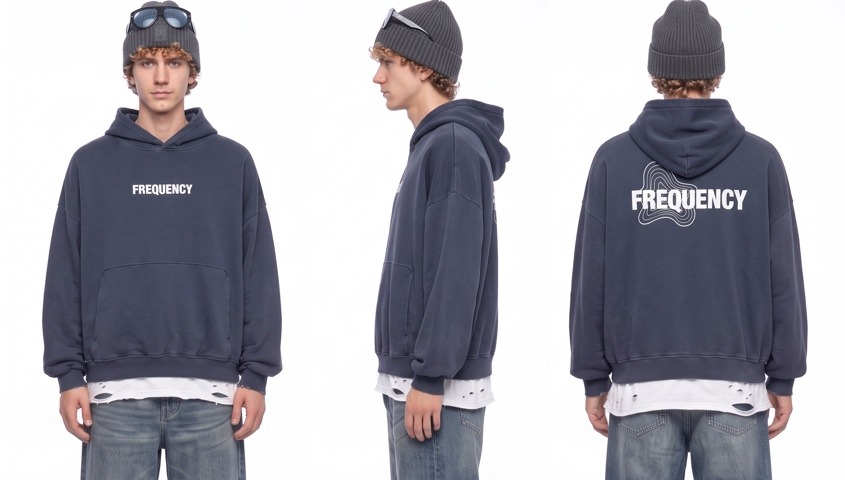
Plan the actual size offering before publishing. If a necessary size is absent, the supplier may not fit that product brief. Do not hide the gap by using broad terms such as “inclusive” or treating an oversized silhouette as interchangeable with an extended size range.
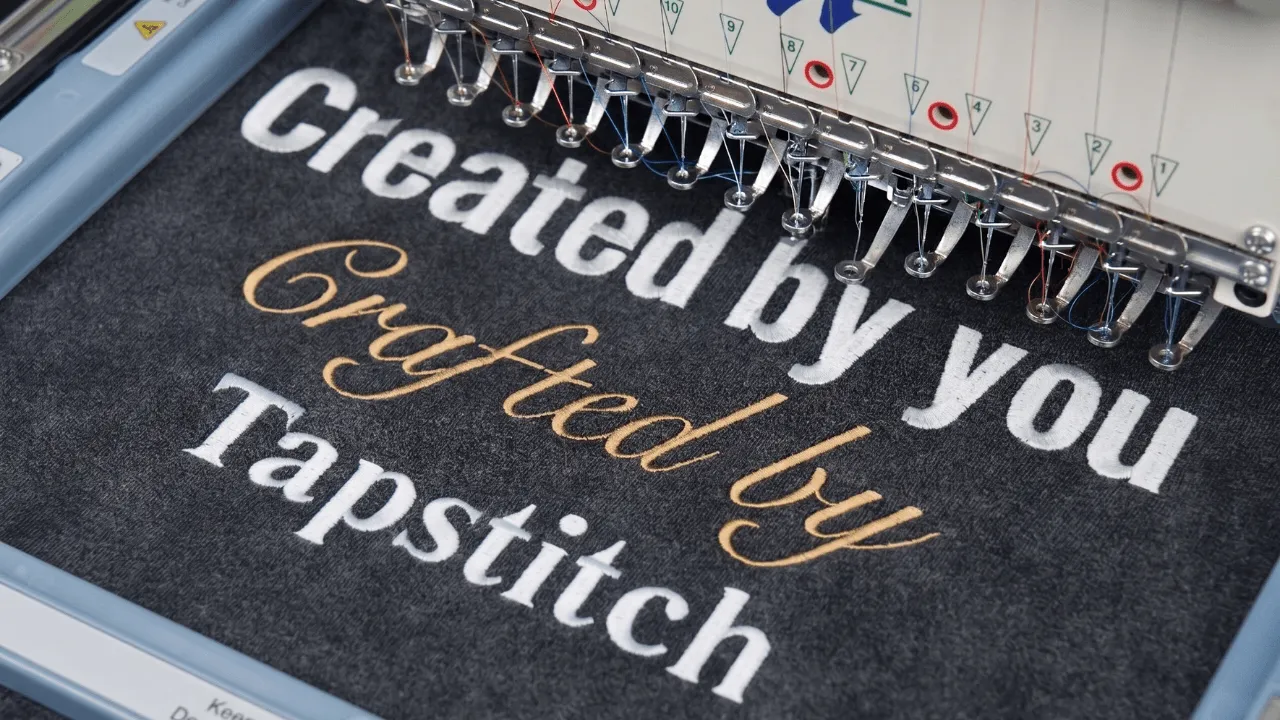
4. Printing and Decoration
Match the graphic to the product's available decoration area and technique. Examine the relationship between the artwork and seams, pockets or garment finish. A layout suitable for one blank should be reviewed again when moved to another.

Prepare the file at its intended print size, then follow the selected item's upload and placement settings. Our design size guide provides preparation guidance. Keep the approved file and saved product configuration together so that a later edit does not silently change what customers receive.
Check the Commercial and Order Conditions
Once the garment fits the brief, assess how it will be purchased and fulfilled. The relevant cost is the configured delivered order, and the relevant integration is the one your store will use. General platform capabilities need to translate into your particular setup.
Separate supplier charges from your own operating costs. That distinction helps you set prices and understand the commitment of an order without assuming a low starting price establishes a profitable business model.
5. Branding Services
Choose the brand components that contribute to the customer experience. Our custom branding page introduces labels, hangtags and insert cards. Use a consistent logo and message, then configure the services that fit the selected product and launch.
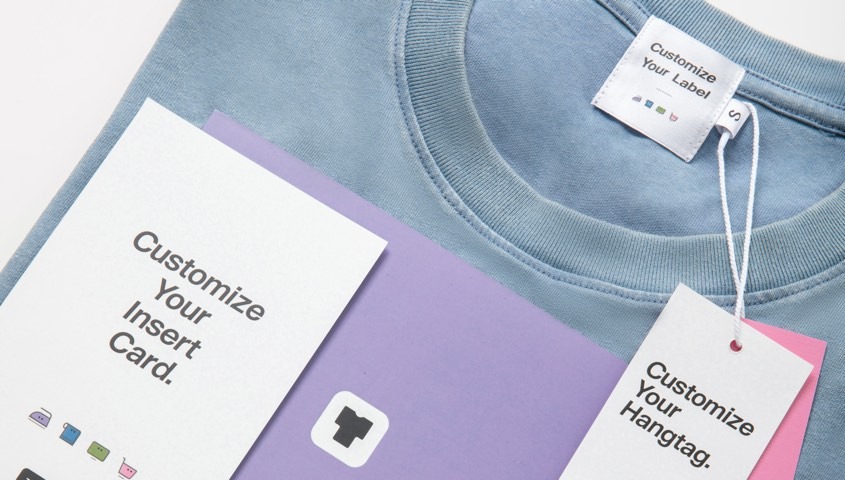
Evaluate branding as part of the item, not as a decorative afterthought. A neck label, tag and card should agree on the brand name and visual style. Custom labels require international fulfillment, and hangtags and insert cards are not available for orders fulfilled through US fulfillment, so settle the fulfillment route before planning these components.
6. Minimum Order Quantities
Determine the minimum for the garment and for each added service. Tapstitch's paid single-item garment ordering can support a trial before inventory purchasing. It does not establish that every accessory or specialized setup has the same minimum.
Use the first order to resolve a defined question, such as fit or design placement. Keep its quantity small enough for the question, but include the components necessary to answer it. An unbranded trial cannot establish a complete branded delivery experience.
7. Total Order Cost
Calculate the garment, decoration, selected branding, shipping and applicable checkout charges for the destination you will serve. Record the date and configuration. A product-page starting price should not become a permanent promise about every delivered order.
Then add the costs of selling through your chosen store. Allow for the expenses your business must cover and decide how customer issues will be handled. A price calculation is a planning tool, not evidence that a particular margin or sales result is guaranteed.
8. Store Integration
Check the connection for your actual storefront. Our Shopify setup guide and Etsy setup guide describe separate authorization routes. Choose the one that matches the shop and account you intend to operate.
Verify the product and variant mapping after connection. A store listing needs to resolve to the correct garment, size, color and saved design. Review what happens when you edit products rather than assuming every change moves automatically in both directions.
9. Fulfillment and Problem Ownership
Evaluate production, shipment, and customer support as distinct responsibilities. Use the applicable product and destination settings to plan delivery. Our shipping information distinguishes shipping estimates from production time; neither should be copied into an unconditional promise for every order.
Assign an owner for synchronization failures, incorrect products, defects and customer return requests. Your brand remains the buyer's contact. A supplier process for a production issue does not replace the policy and communication your storefront needs.
Keep the final decision attached to the specific launch rather than declaring the supplier suitable forever. A new store channel, garment construction or customer destination may change the requirements. Before expanding, review the checks affected by that change and preserve the earlier assessment as a reference. This lets your team see why the original configuration was approved and which new questions remain unanswered, without repeating the entire selection exercise for a minor change.
Decide Whether the Supplier Matches Your Launch
Review the nine checks together. A supplier fits when the product, configuration and operating route form a workable customer offer. Avoid averaging away an essential failure: eight satisfactory answers do not make an unavailable garment construction or unsupported store workflow acceptable.
Use a compact launch decision record:
Consider how the first product relates to the next release. A supplier may fit a graphic tee but not a more complex garment you plan later. You can approve the current product without claiming the same route will support every future collection. Record that distinction so expansion begins with a fresh product brief rather than assumptions carried over from the launch.
Revisit the assessment whenever an essential input changes. Adding a different country, changing the garment or introducing a new brand component creates a new configuration. Update the decision record and customer information together. This keeps the original choice traceable while letting the business evolve without relying on an outdated cost or fulfillment plan.
Choose Tapstitch when the available products, brand services, and order workflow meet the requirements of your launch. If a necessary service falls outside that route, choose a partner that explicitly provides it. The decision should follow the business you intend to run.
FAQ
Wrapping Up
A suitable clothing supplier meets the requirements of the product and business you plan to launch. Garments, decoration, branding, order commitment, total cost, store integration and fulfillment need to form one workable offer.
Use the nine checks to identify essential gaps before committing. Choose the configuration that passes the brief, and revisit the affected checks when a new garment, destination or service changes the launch requirements.

.jpg)
.jpg)



.webp)








.webp)

.webp)

%20(1).webp)
.webp)
.webp)

.webp)
.webp)
.webp)
.webp)
.webp)
.webp)


%20(3).webp)



.webp)

.webp)
.webp)
.webp)
.webp)
.webp)
.webp)







.webp)





.webp)

.webp)















.webp)



.webp)

.webp)
.webp)

.webp)

.webp)






.webp)
.webp)
.webp)
.webp)
.webp)