How can I integrate my BigCommerce store?
June 24, 2025 · Updated
1. Create your BigCommerce account
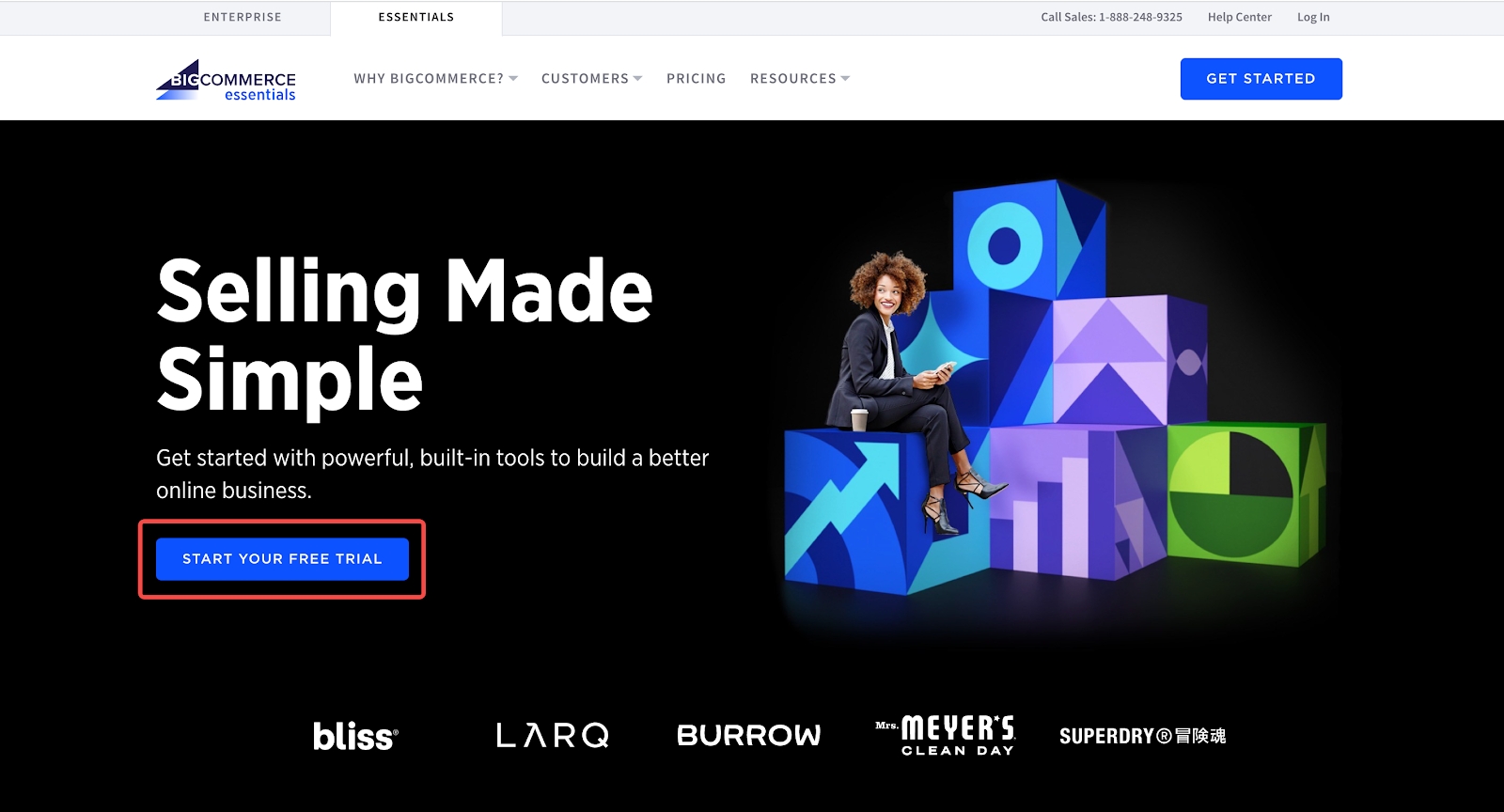
Head over toBigCommerceand create an online store.
2. Connect BigCommerce to Tapstitch
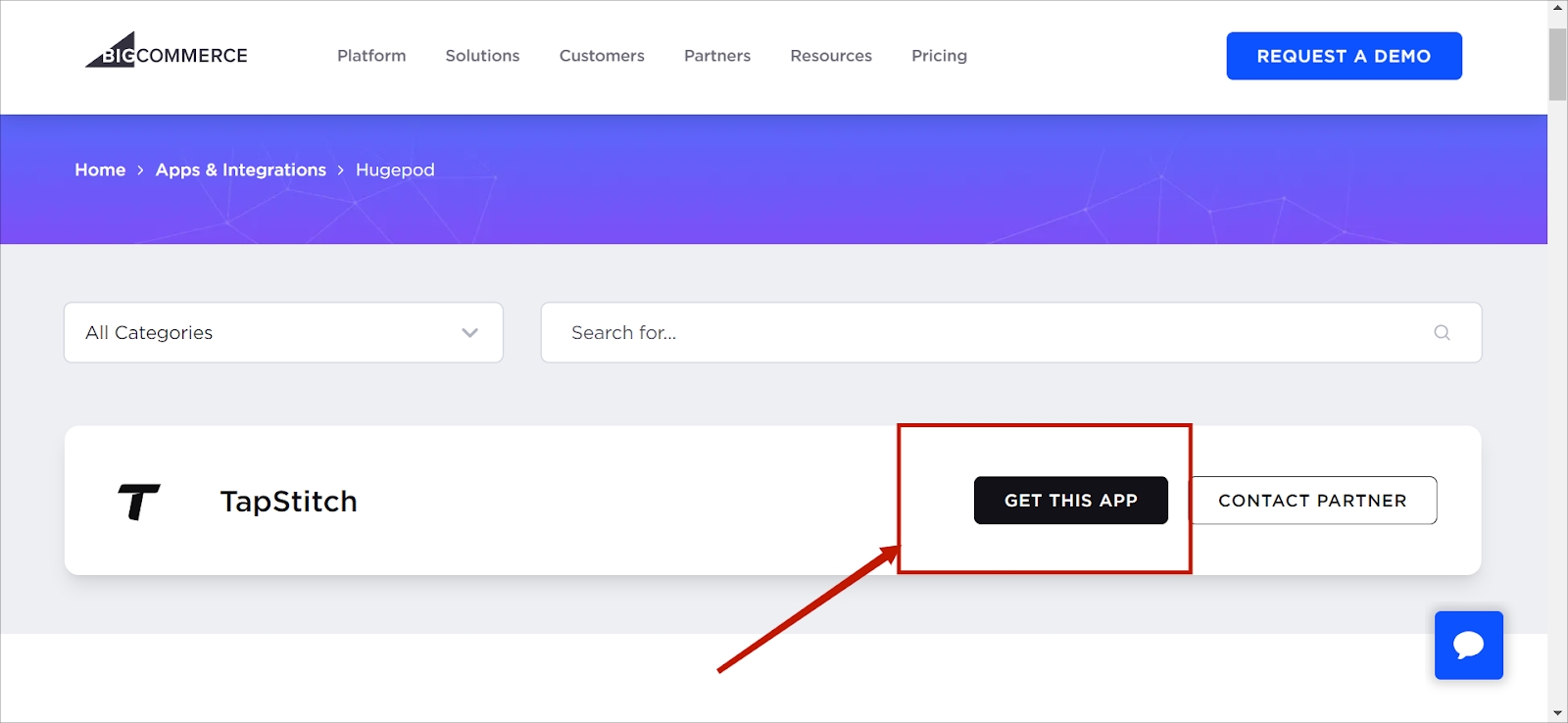
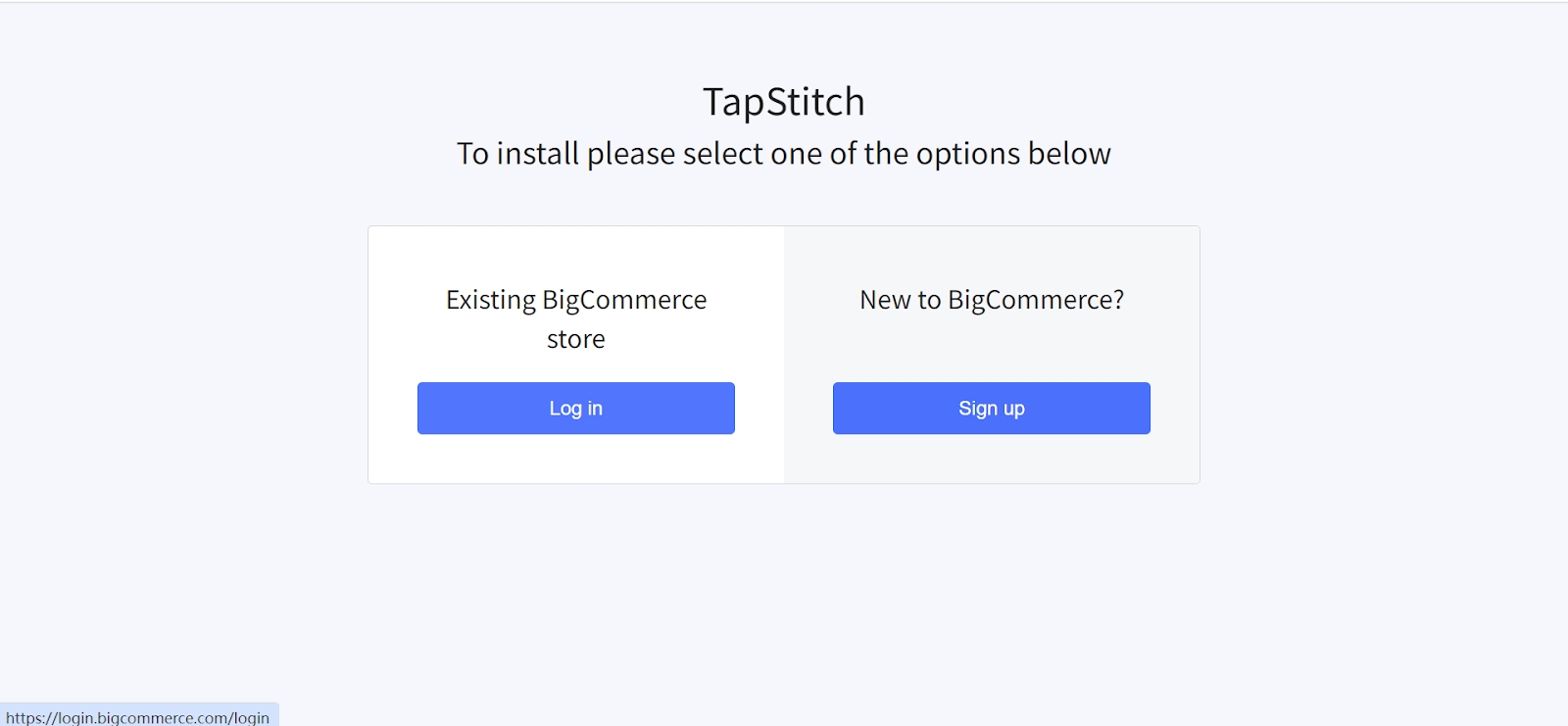
Search Tapstitch in BigCommerce Stores and click the "link" button below. Then click "Login."!
3. Add your products
To start accepting orders, you need to publish your products on BigCommerce. On Tapstitch, head over toStoresand select your BigCommerce store. Click Add Product and choose the products you want to sell on BigCommerce. That's it. You're done! Now, your new BigCommerce orders will be automatically imported into Tapstitch.
Was this article helpful?
1 found this helpful