How to Reset Your Tapstitch Password
June 20, 2026 · Updated
If you've forgotten your password, don't worry. You can quickly reset it and regain access to your Tapstitch account by following the steps below.
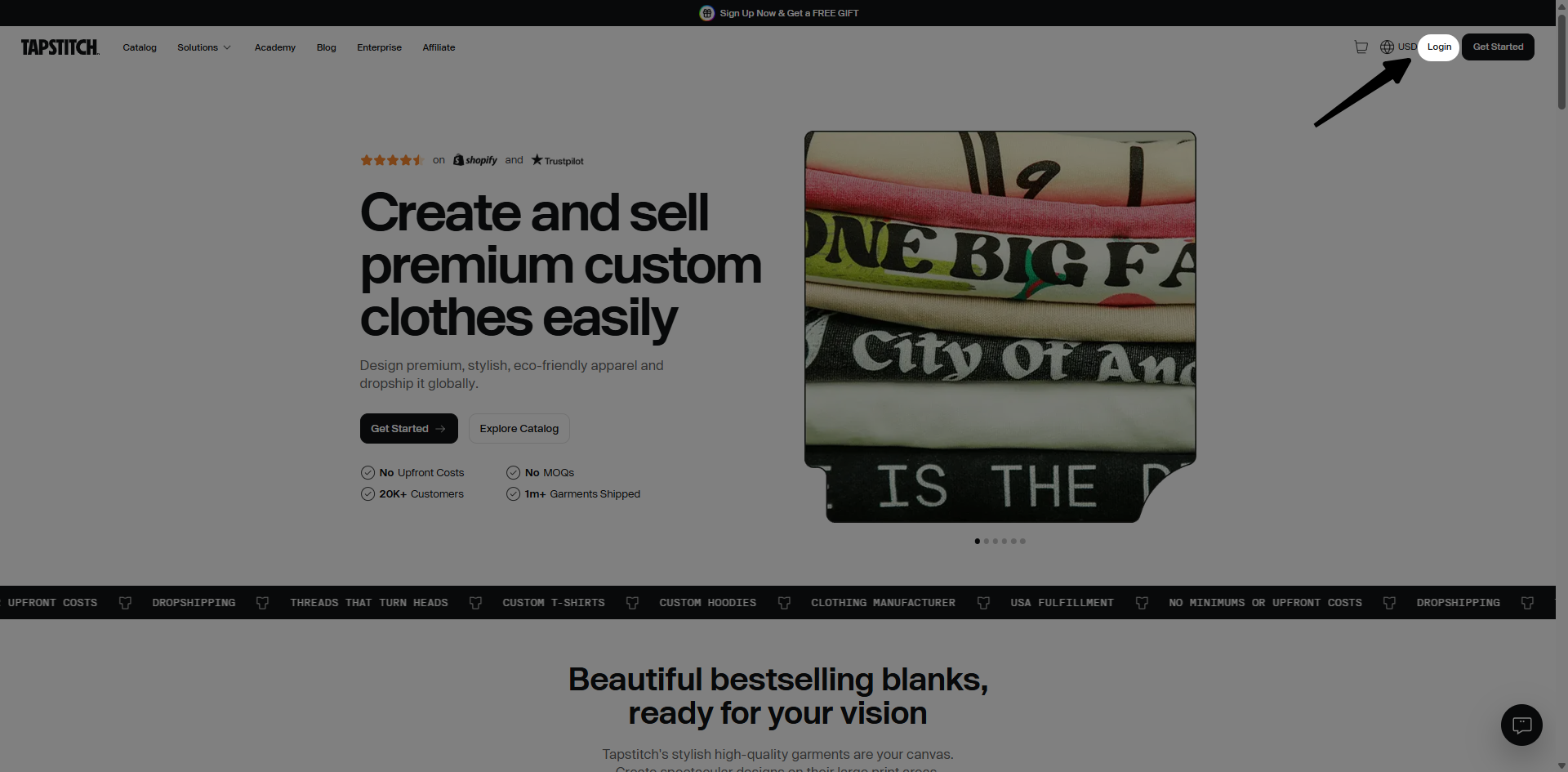
Step 1: Go to the Login Page
Visit the Tapstitch homepage and click Login in the top-right corner.
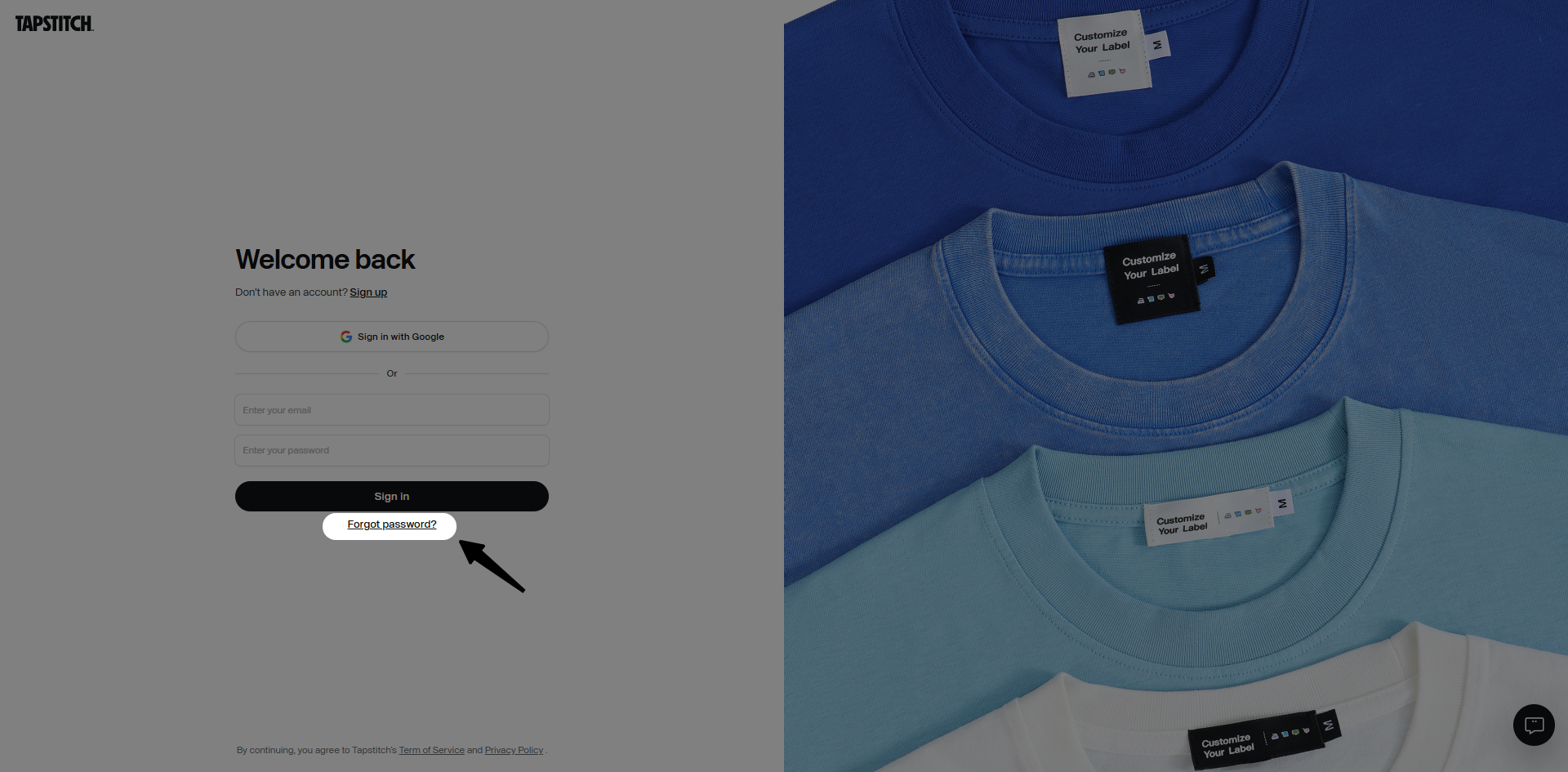
Step 2: Click "Forgot Password?"
On the login page, click the Forgot Password? link located below the "Sign in" field.
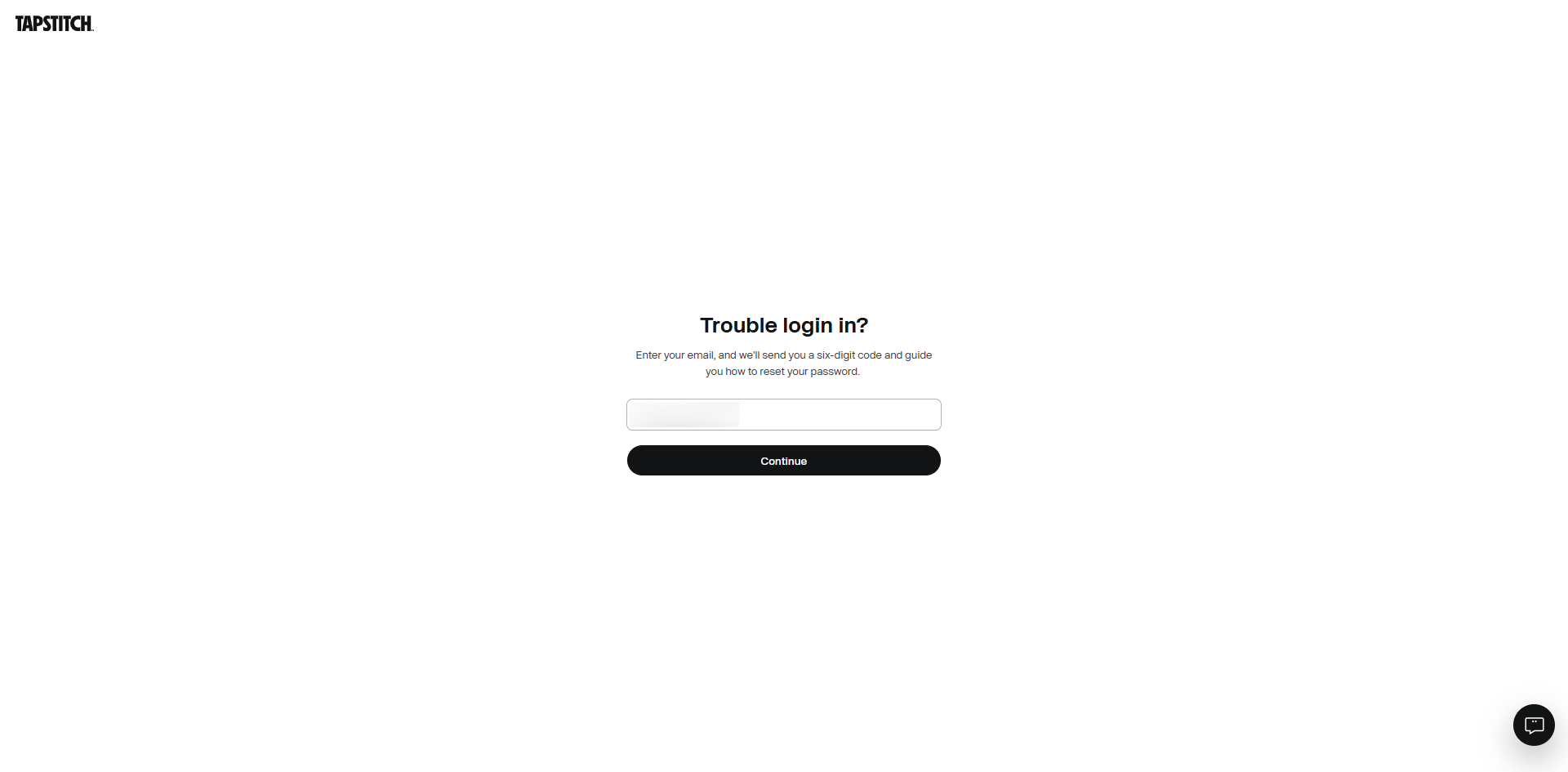
Step 3: Enter Your Email Address
Enter the email address associated with your Tapstitch account and submit your request.
Step 4: Check Your Email
A password reset email will be sent to your inbox.
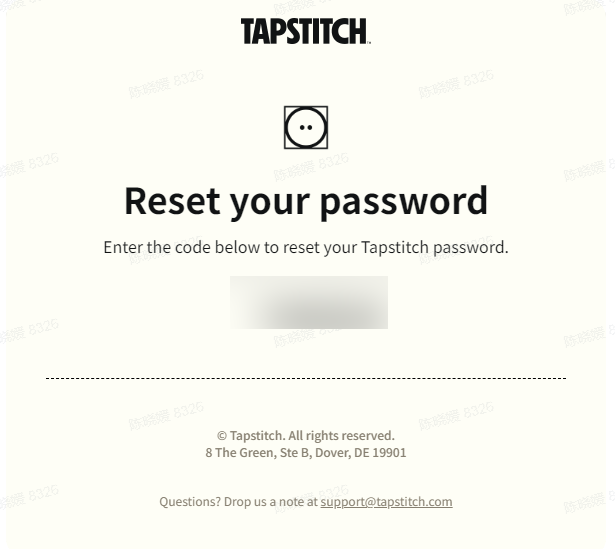 Open the email and click the password reset link.
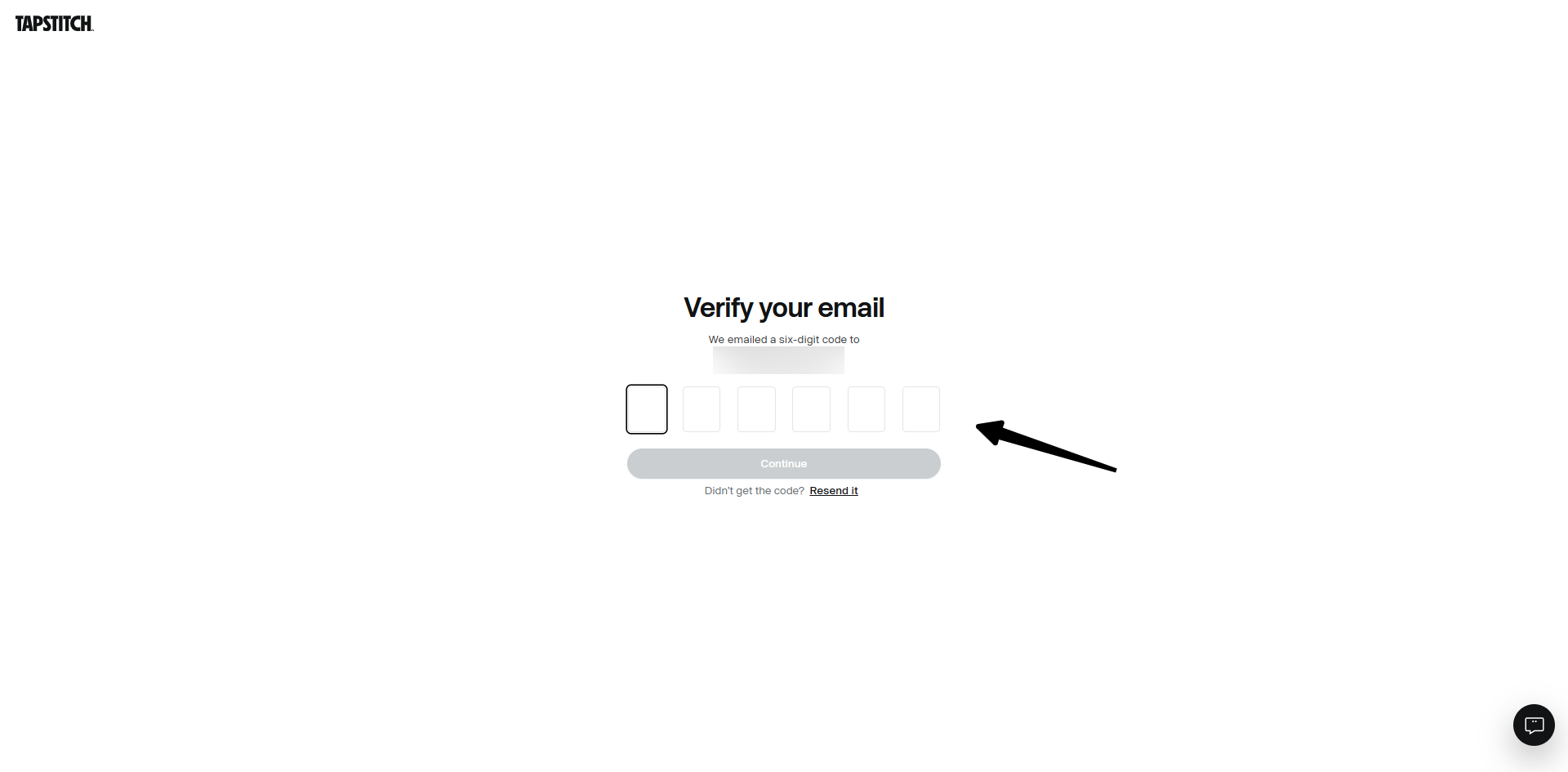
Step 5: Create a New Password
Follow the instructions on the password reset page to create a new password. For better account security, we recommend using:
- At least 8 characters
- A combination of uppercase and lowercase letters
- At least one number
- At least one special character
Once your new password is saved, you can log in using your updated credentials.

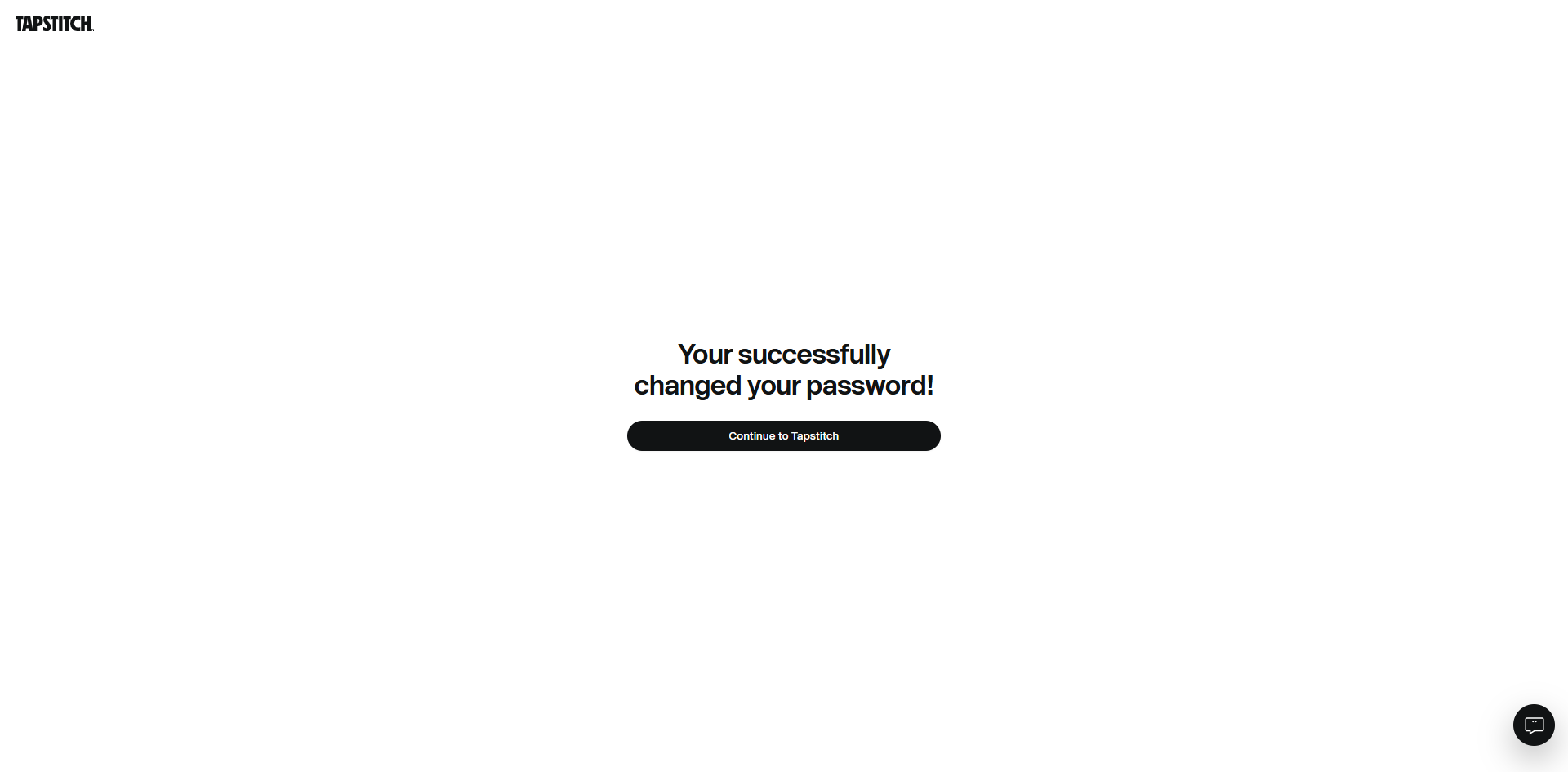
Password Reset Successful
Your password has been successfully updated.
You can now log in to your Tapstitch account using your new password.
Troubleshooting
I Didn't Receive the Password Reset Email
If you don't see the email:
- Check your Spam or Junk folder.
- Wait a few minutes and refresh your inbox.
- Make sure you entered the correct email address associated with your Tapstitch account.
- Try submitting another password reset request.
If you still haven't received the email, please contact our Support Team for assistance.
The Password Reset Link Has Expired
For security reasons, password reset links may expire after a period of time. If your link is no longer valid, repeat the password reset process to receive a new email and link.
I Don't Remember Which Email Address I Used
If you're unsure which email address is associated with your Tapstitch account, please contact our Support Team and provide any information that may help us locate your account.
Need More Help?
If you're still unable to reset your password, please contact our Support Team through Live Chat or email us at support@tapstitch.com, and we'll be happy to assist you.
Was this article helpful?
22 found this helpful